
Cowrite Resume Builder
Your experience.
Ready for your next role.
Turn what you have done into a resume you are ready to send. Get help with the writing, choose your design and edit every word.
Free to create and preview. No credit card required.
PDF downloads are paid. See pricing
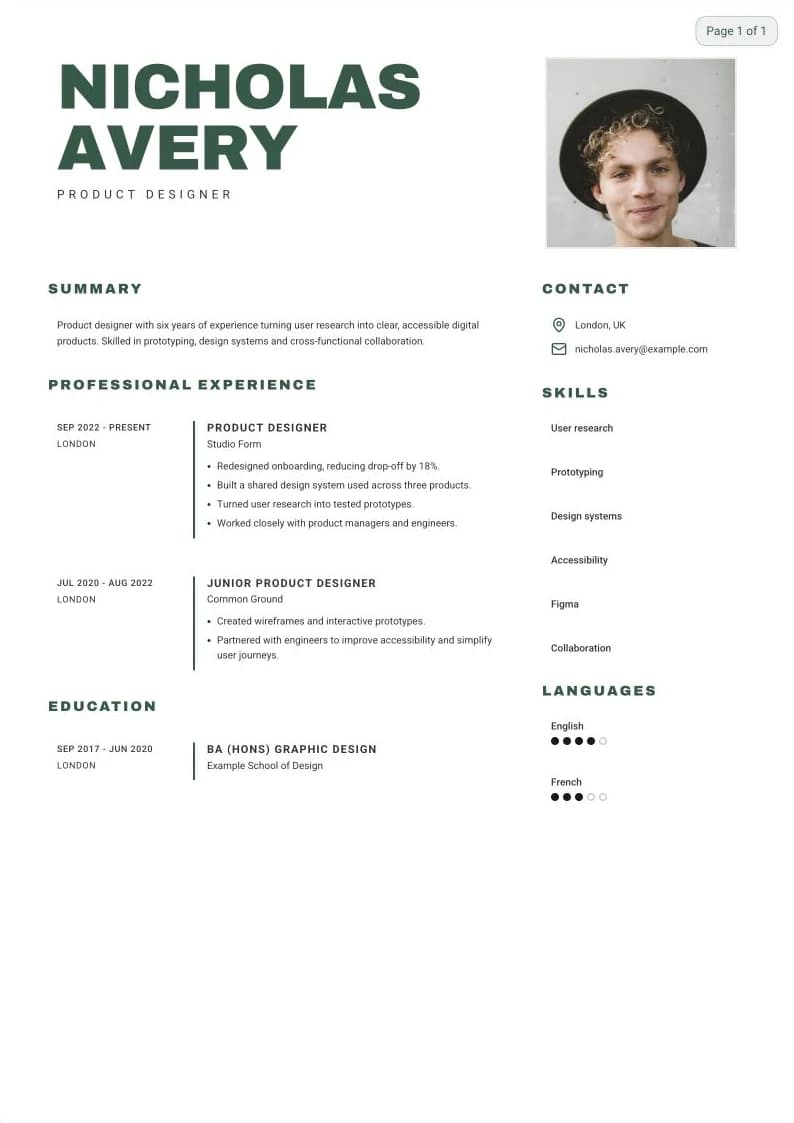
A little about you.
A lot less blank page.
- 01
Start with your experience
Upload an existing resume or answer guided questions about your work, education and skills.
- 02
Find the right words
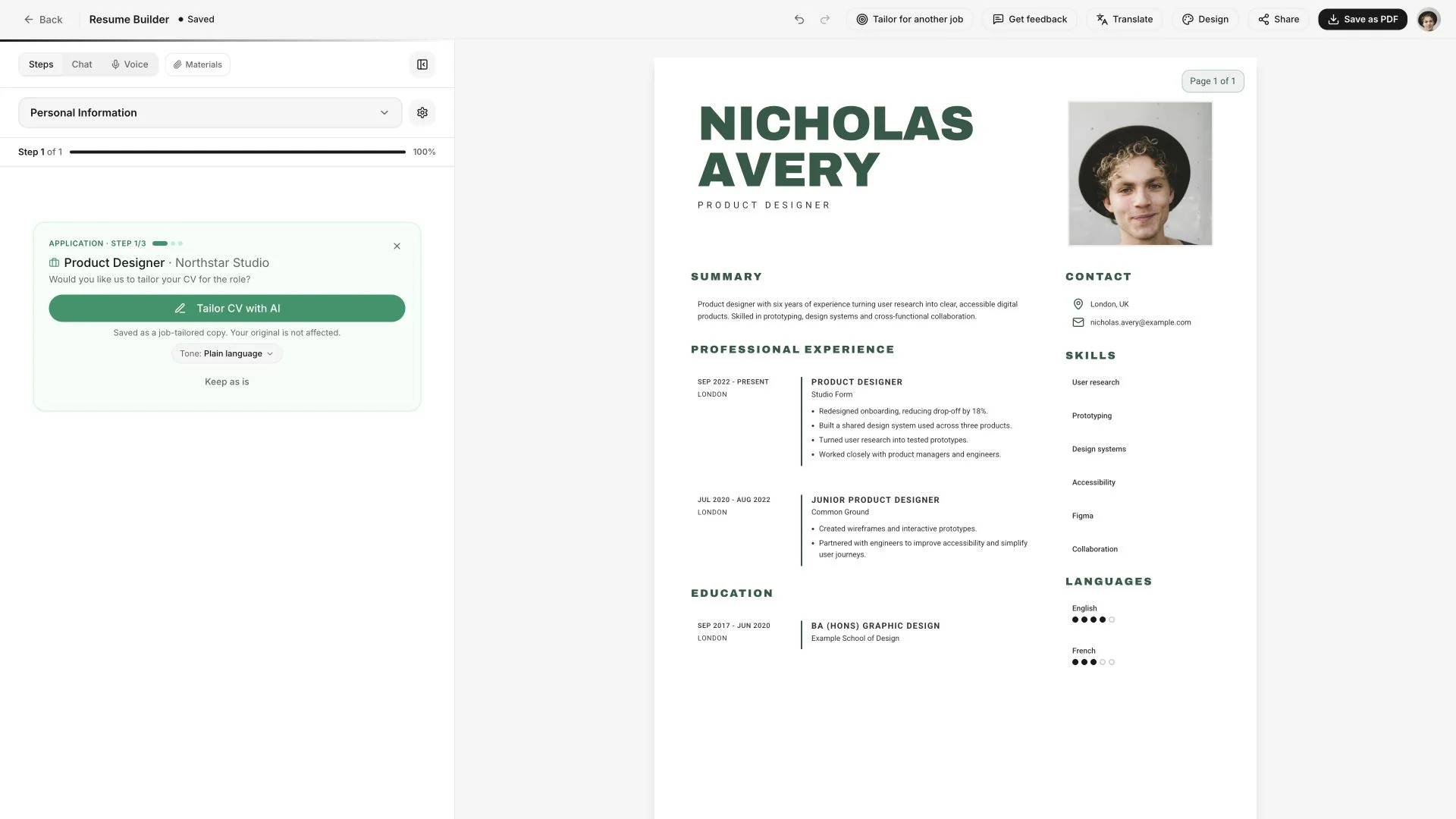
Let Cowrite help you describe your experience. Add the job you want to tailor your draft to the role.
- 03
Make it yours
Review the details, edit the text and choose a design. Preview your resume before paying to download a PDF.
Find your look
51 resume templates. Pick one to get started. Change it any time.
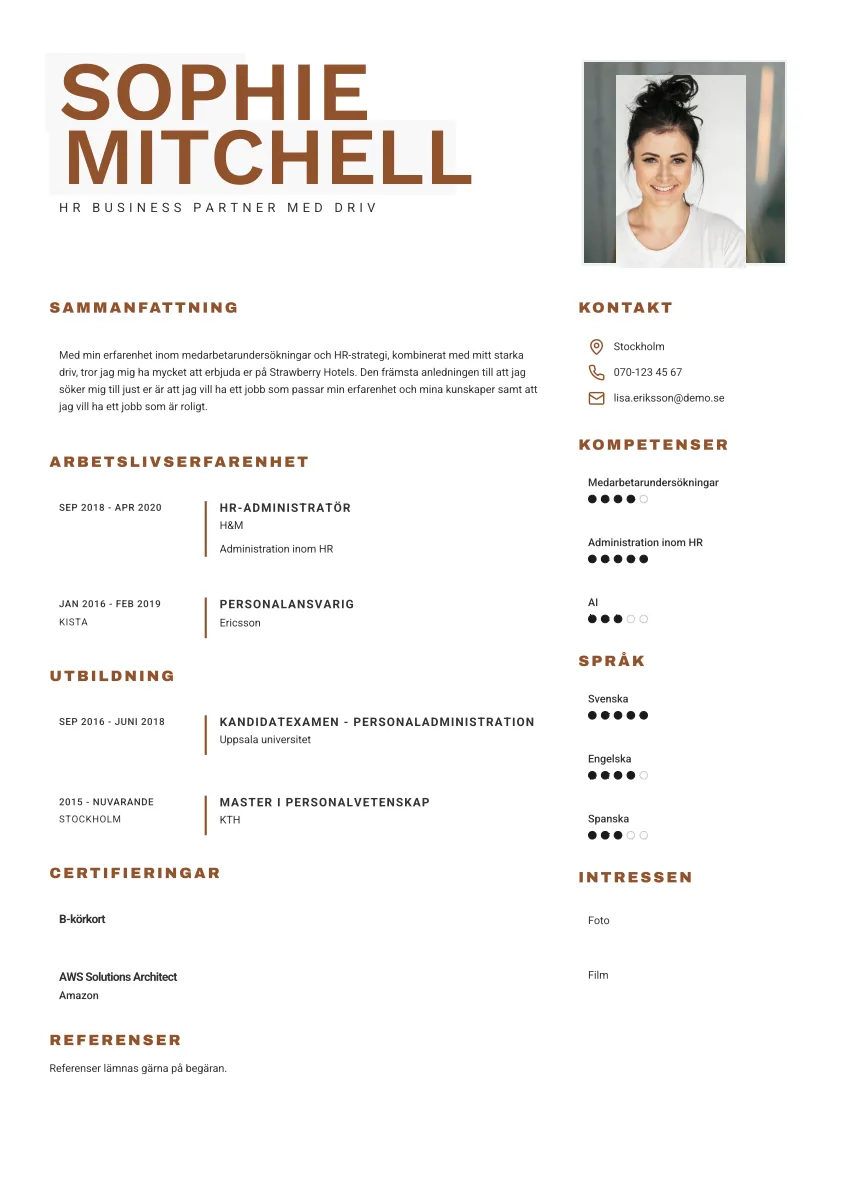
Arne
Use this template →
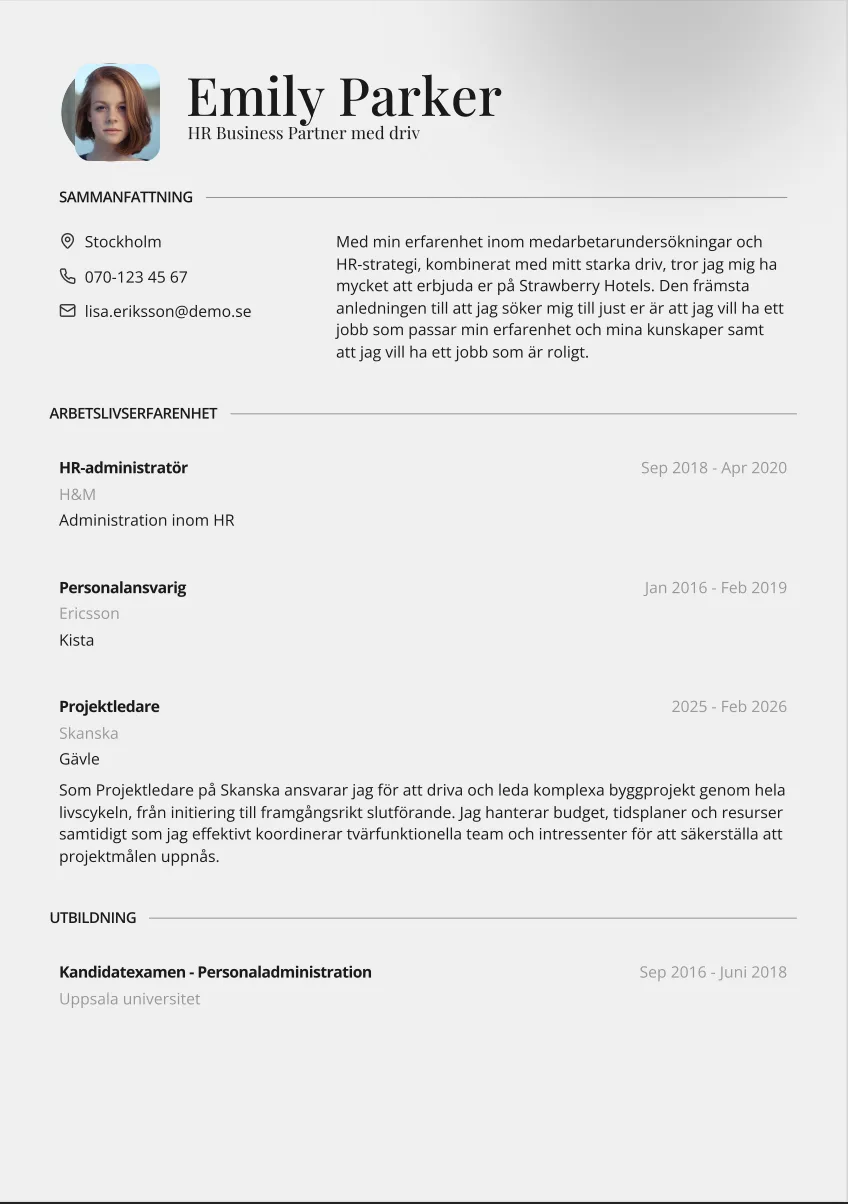
Carl
Use this template →
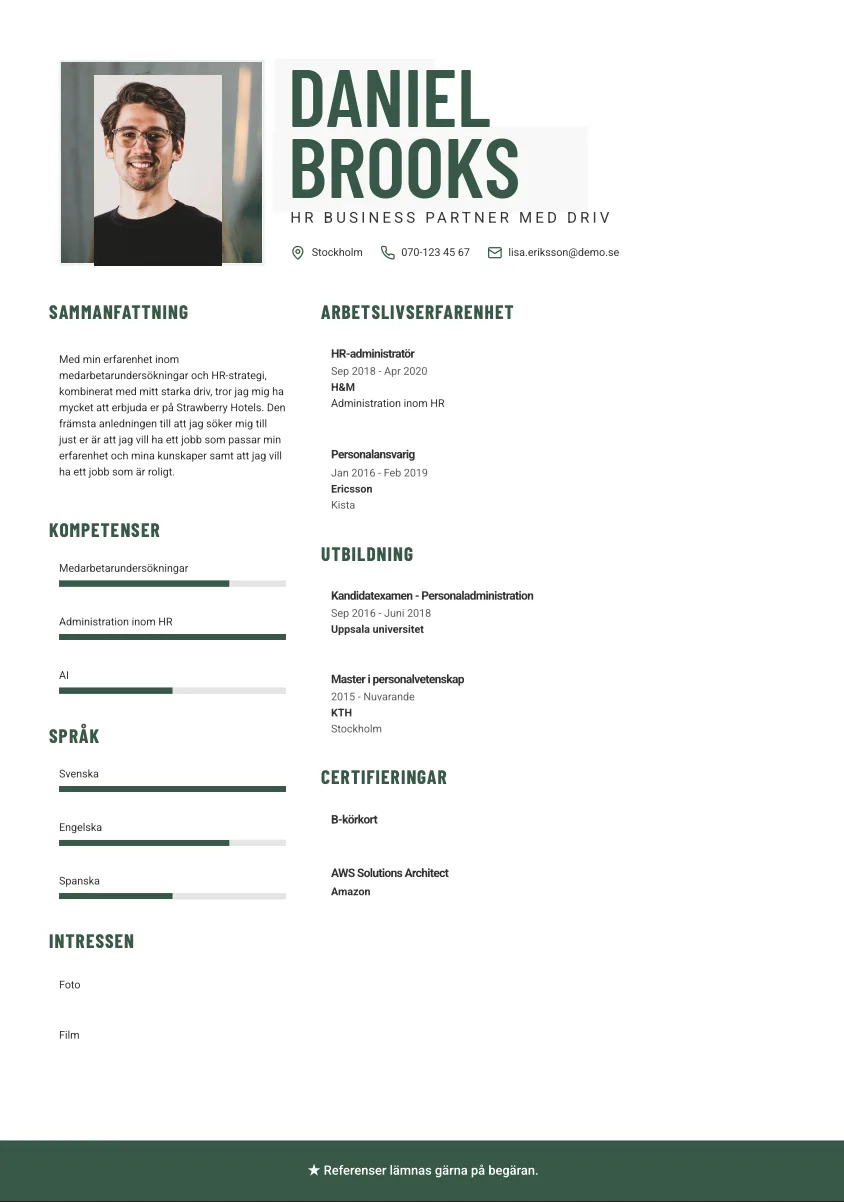
Josef
Use this template →
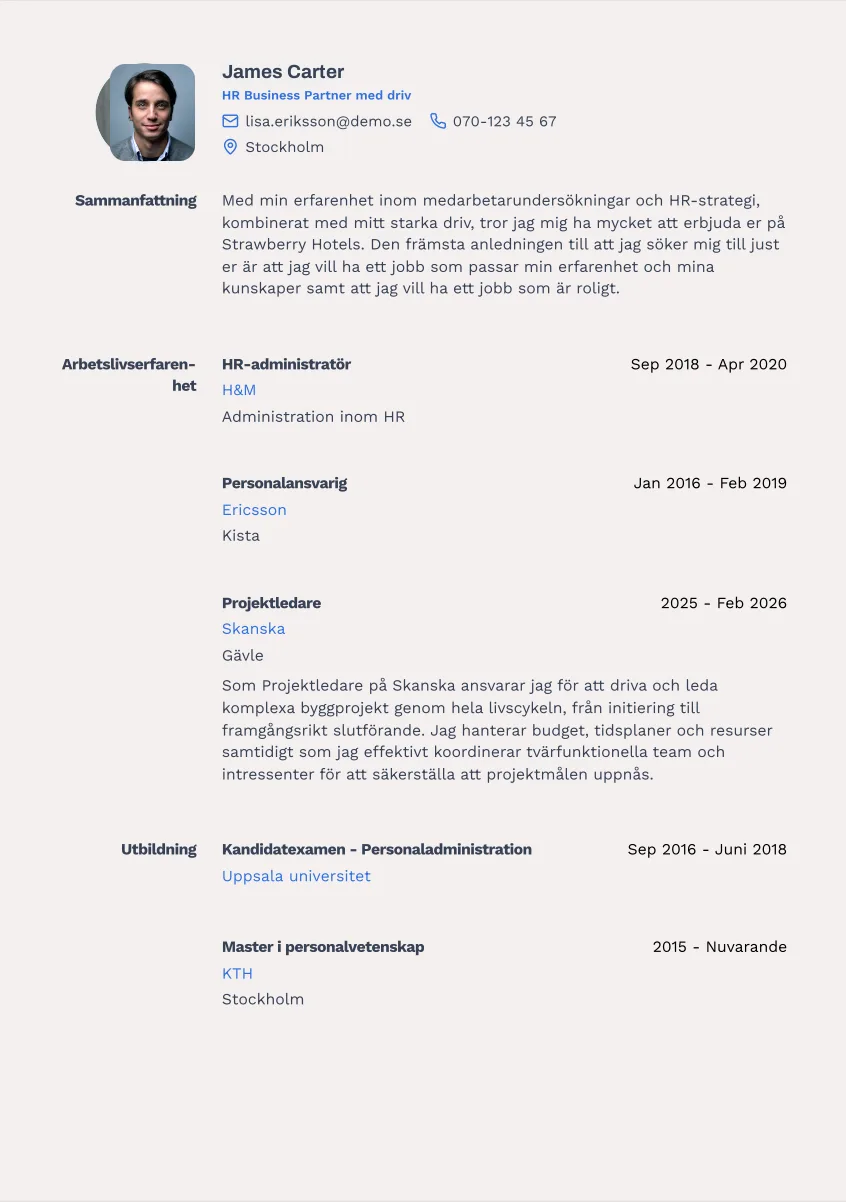
Greta
Use this template →
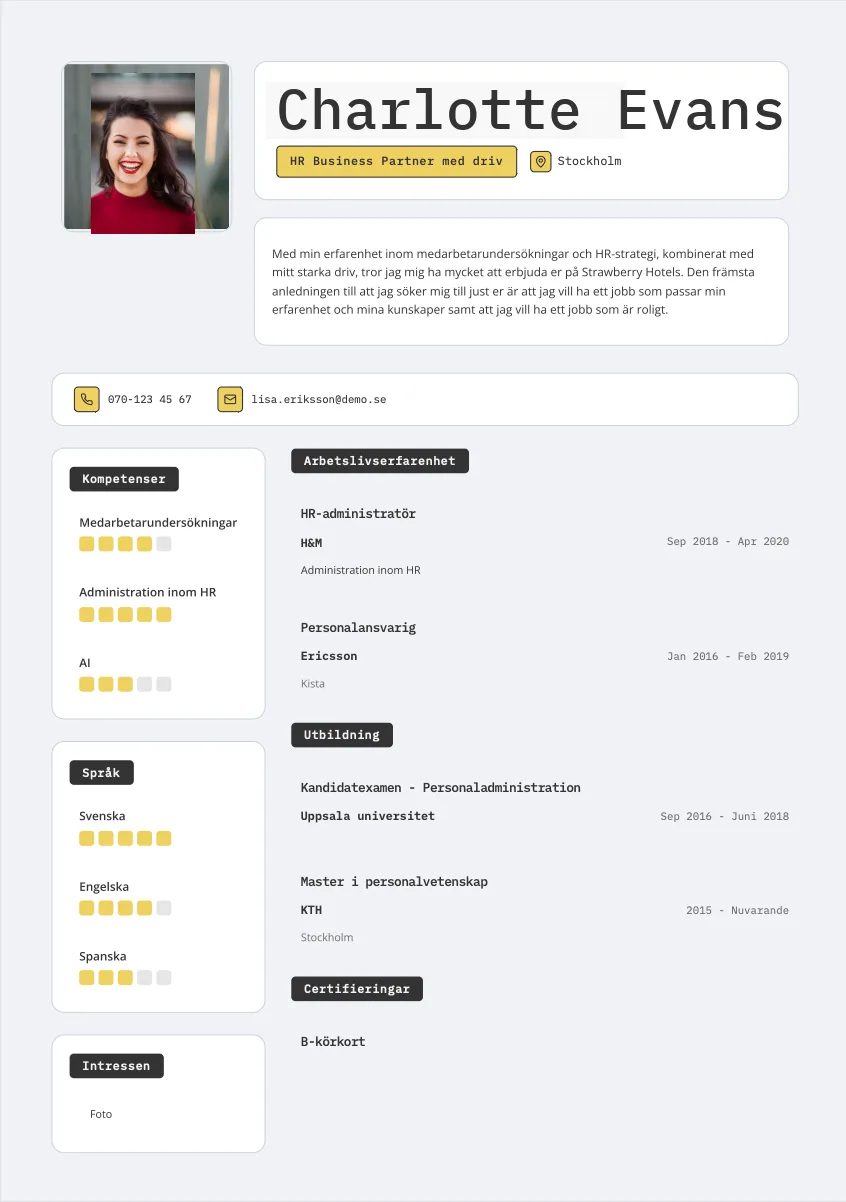
Siri
Use this template →
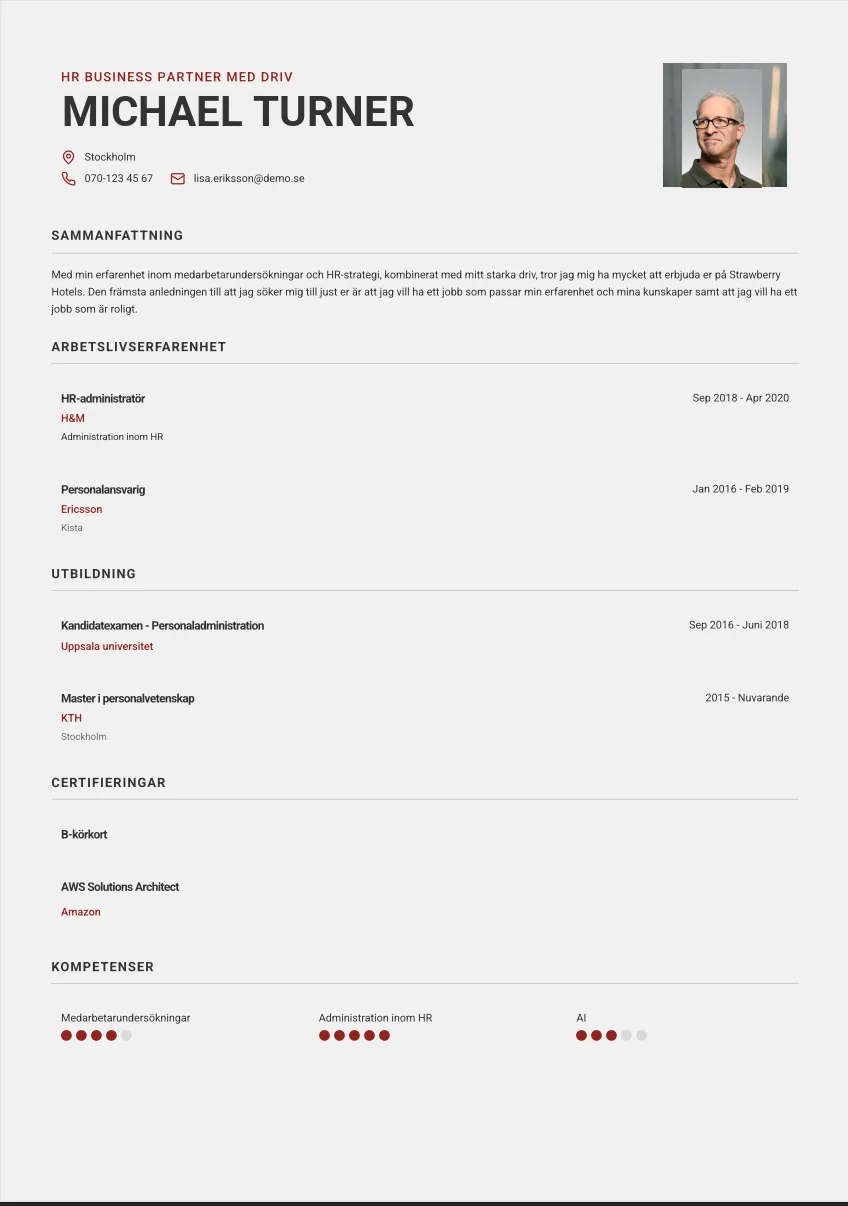
August
Use this template →
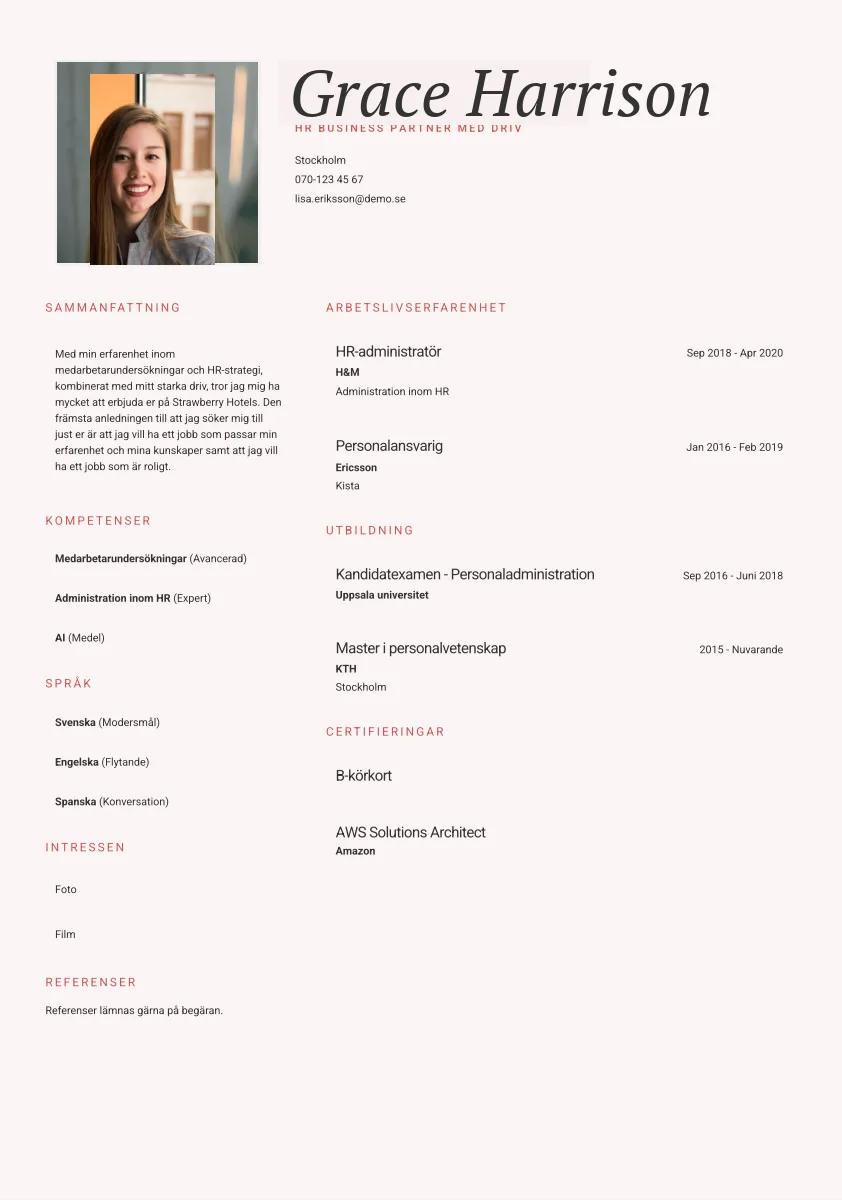
Edith
Use this template →
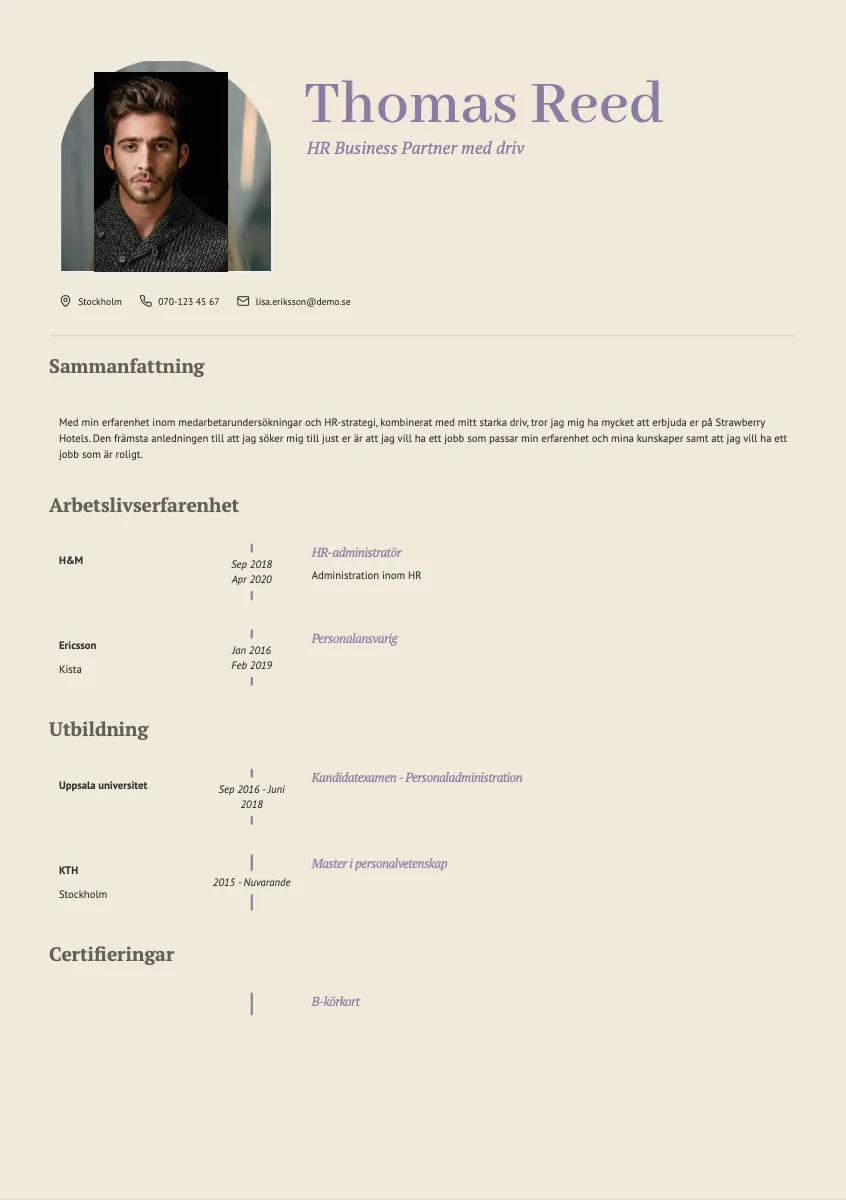
Harriet
Use this template →
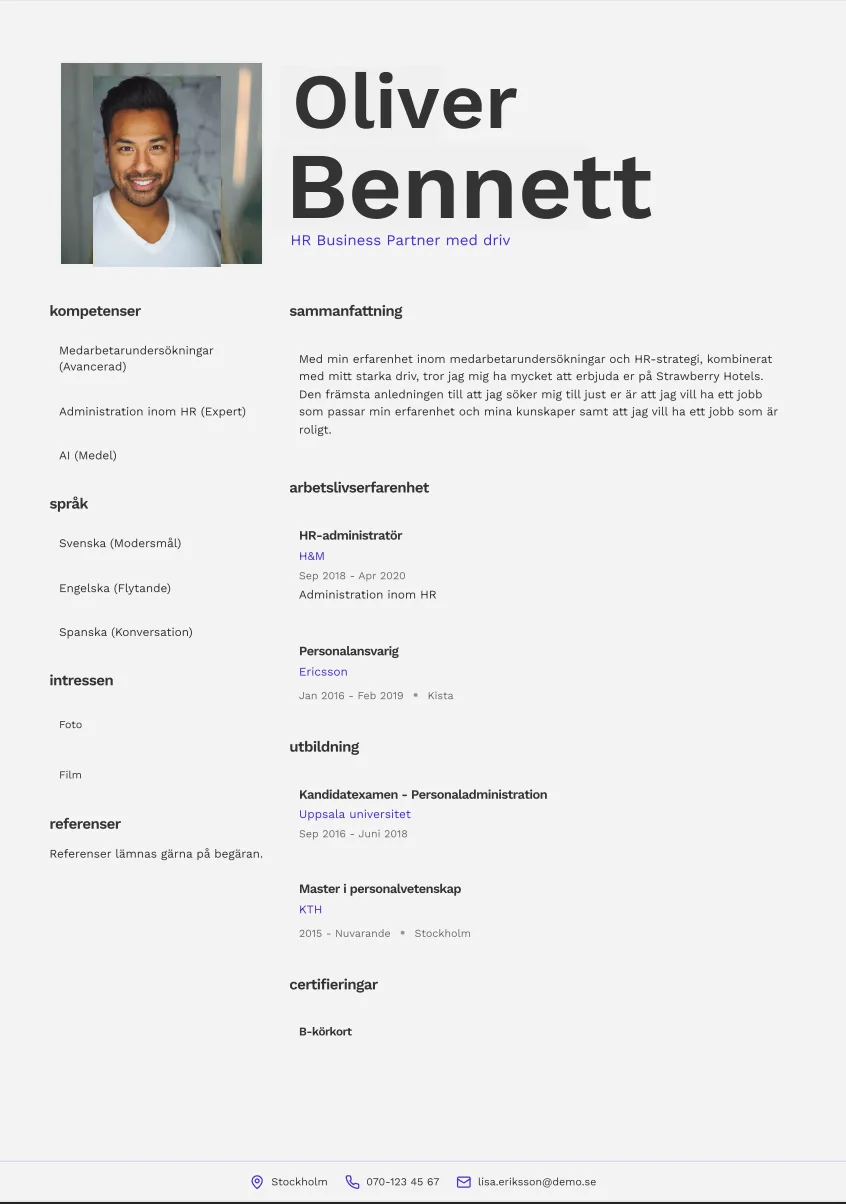
Uno
Use this template →
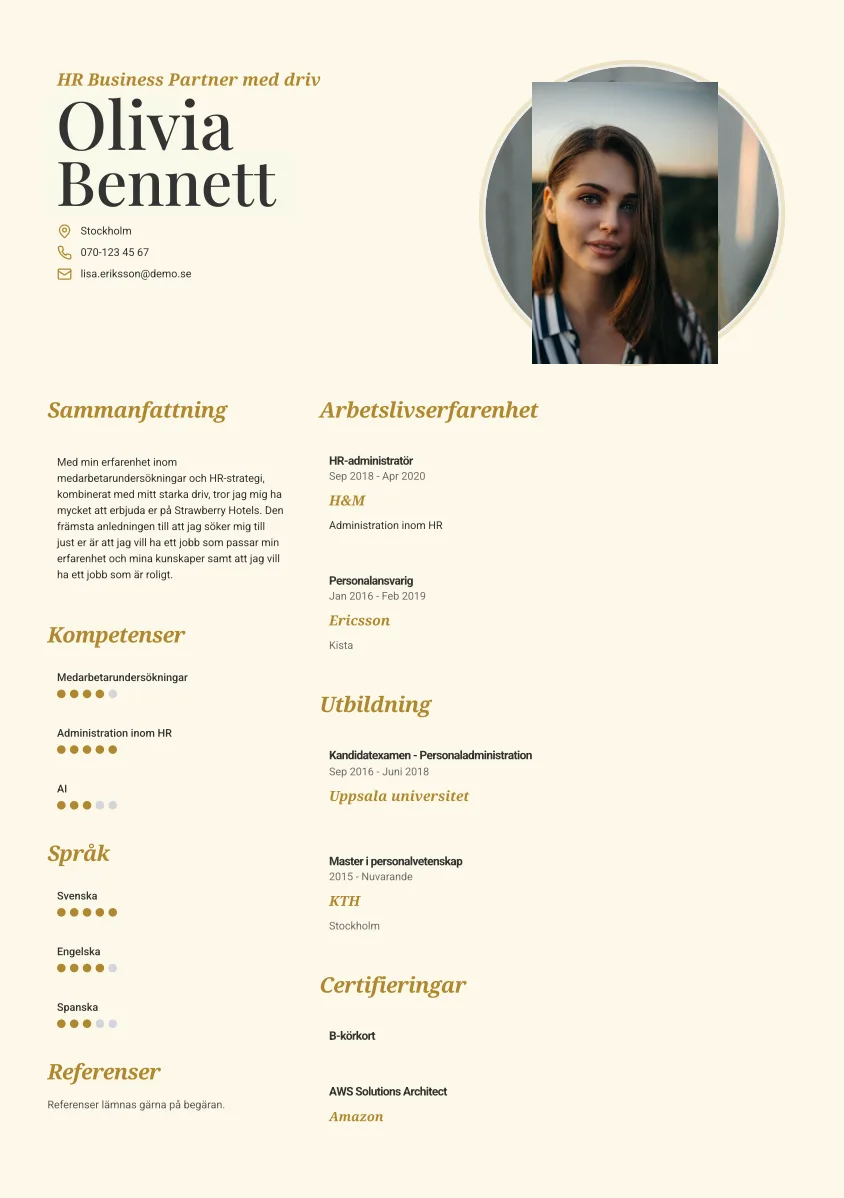
Anders
Use this template →
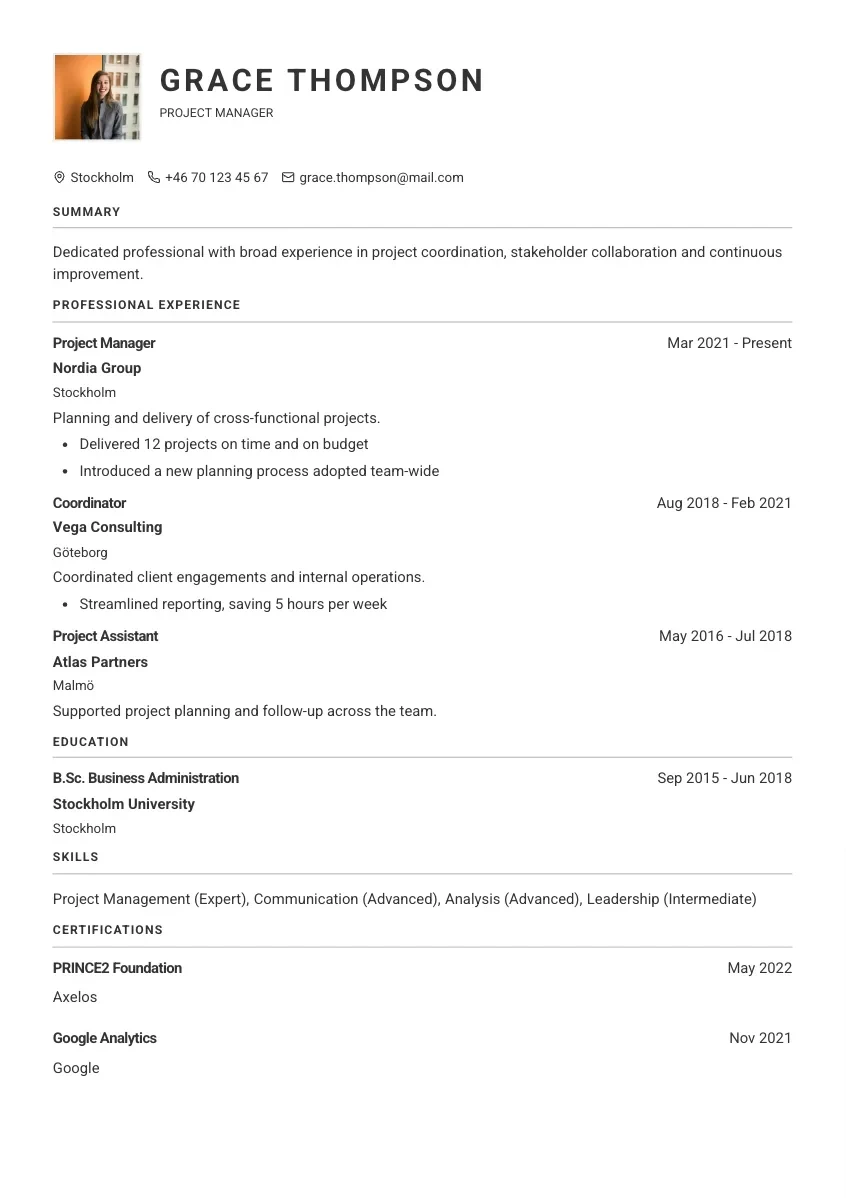
Ingegerd
Use this template →
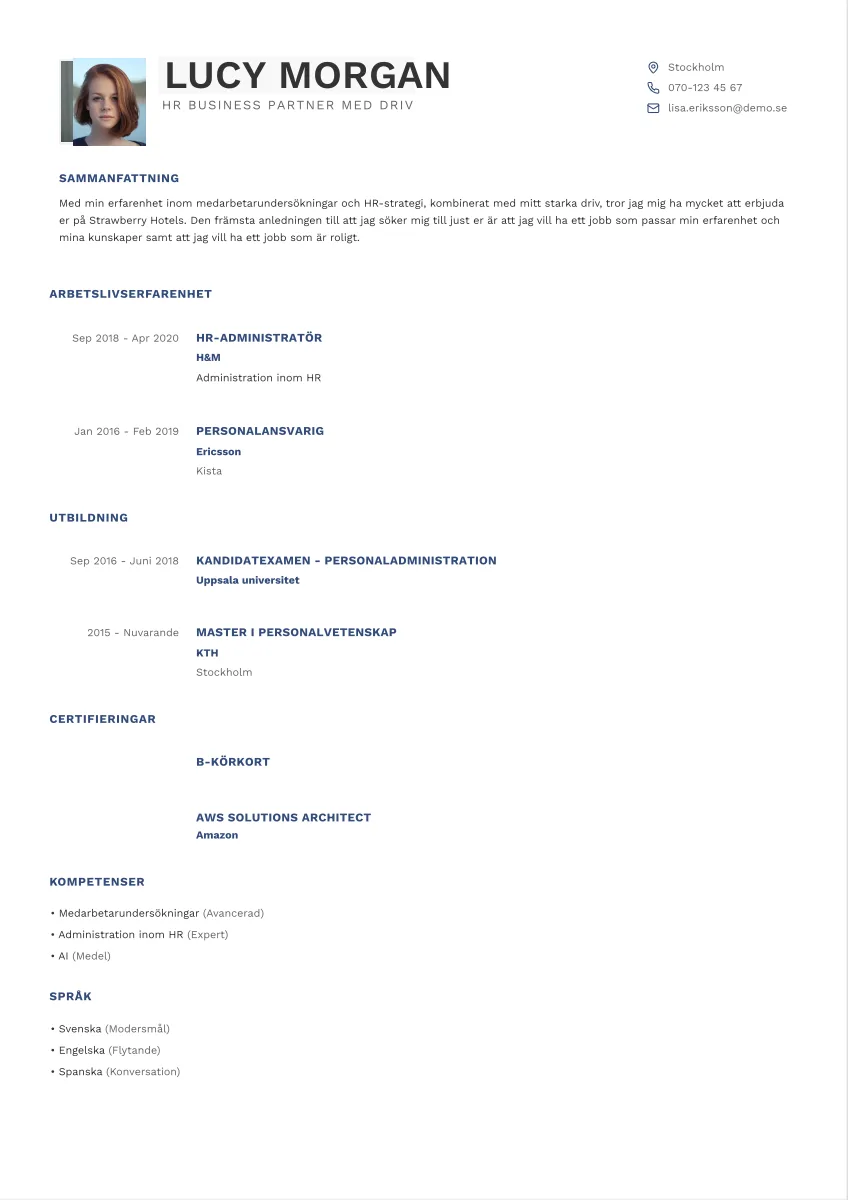
Estrid
Use this template →
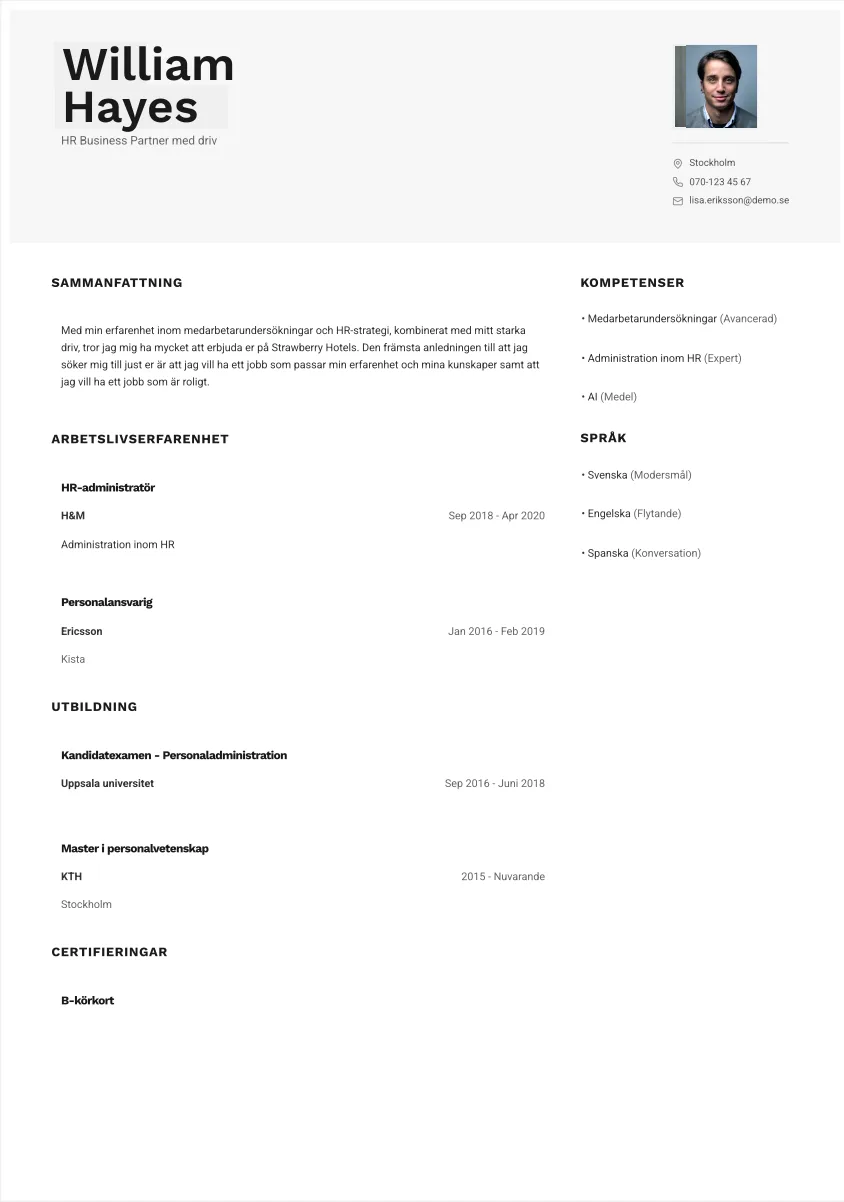
Signe
Use this template →
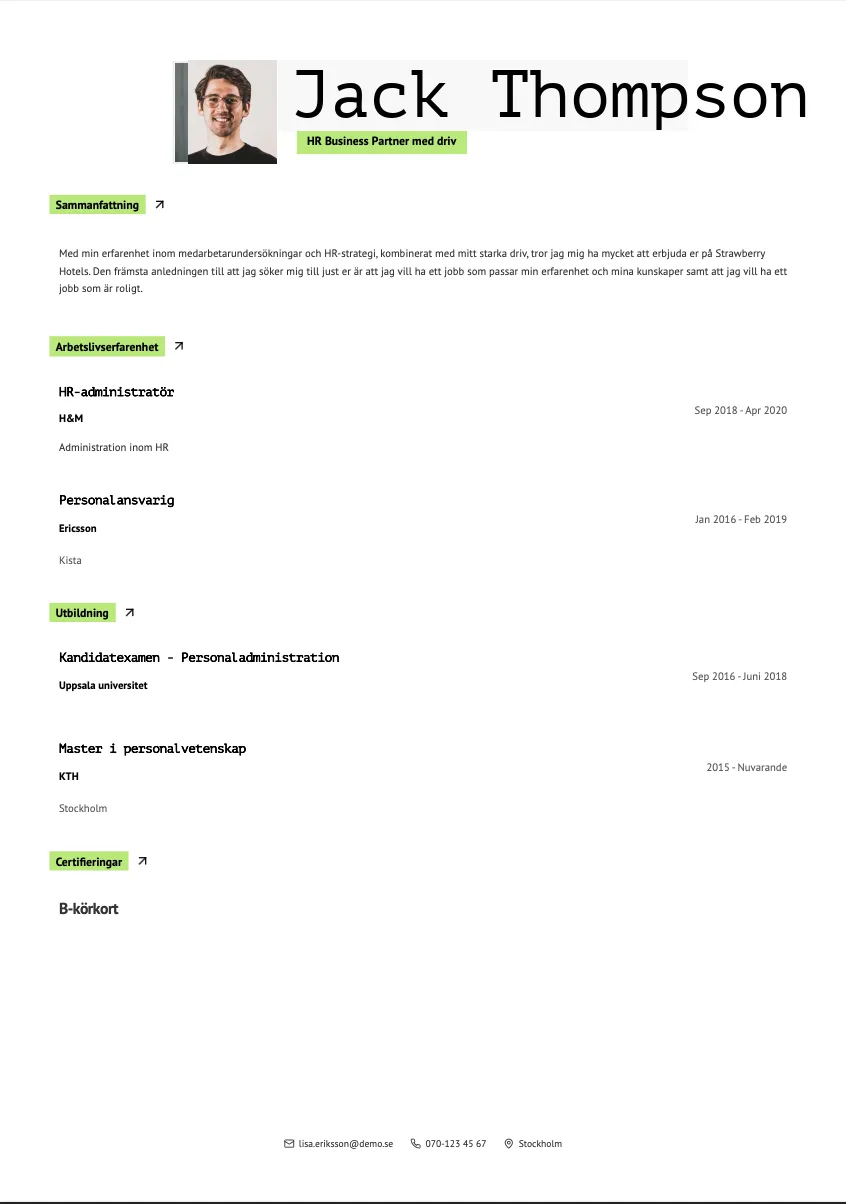
Vera
Use this template →
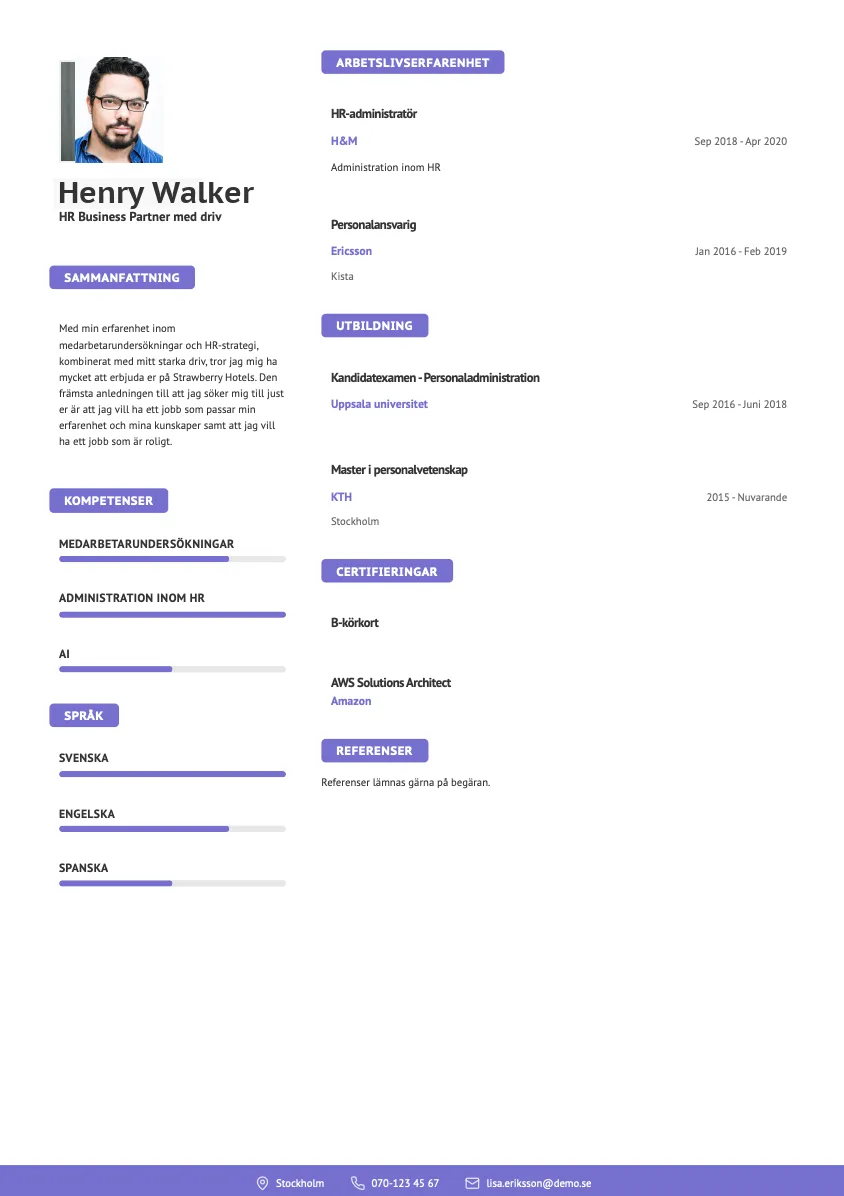
Sonja
Use this template →
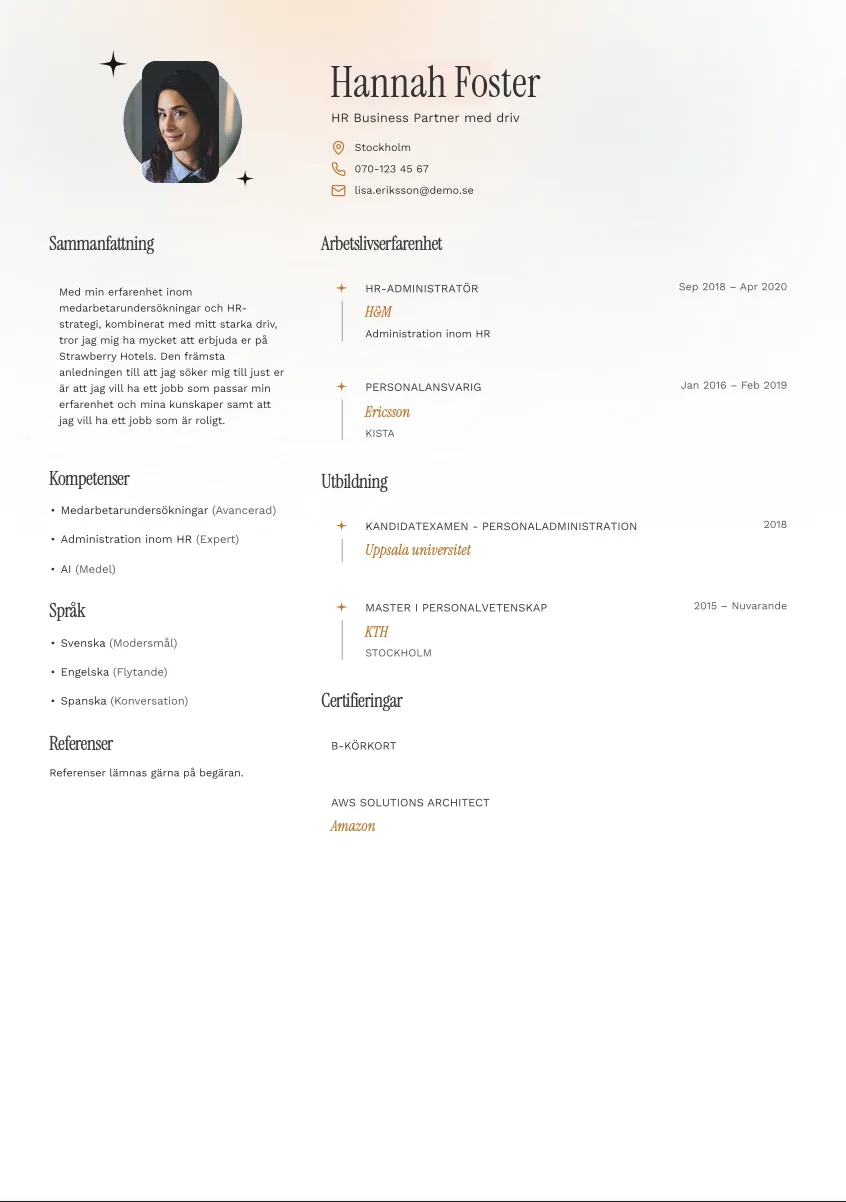
Stig
Use this template →
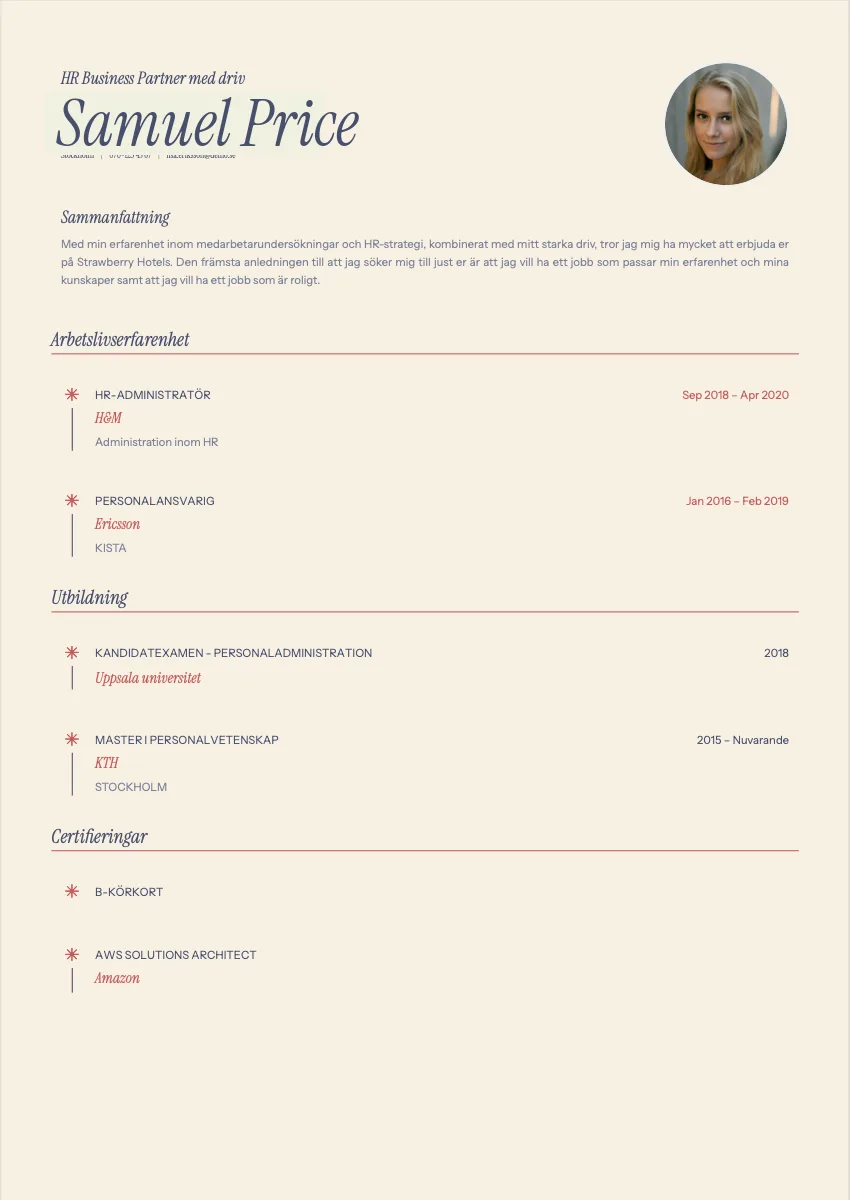
Evert
Use this template →
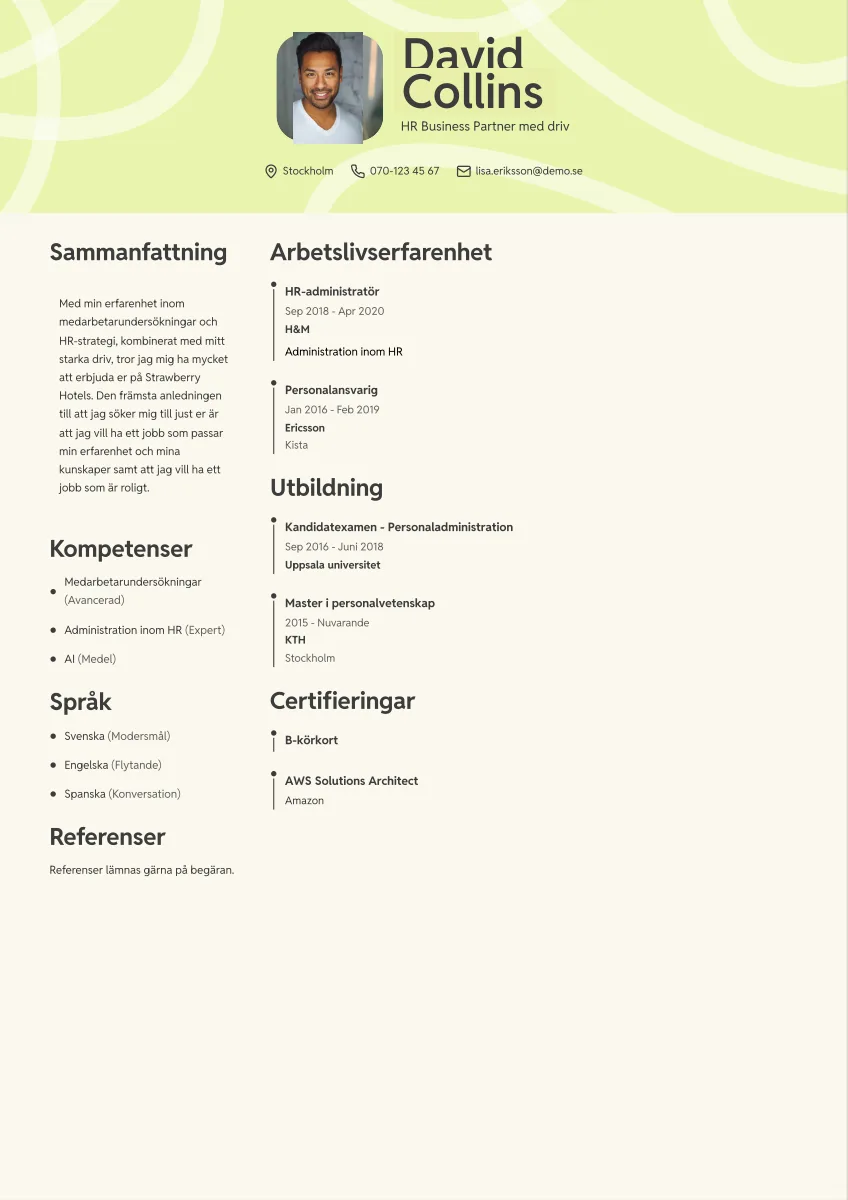
Bruno
Use this template →
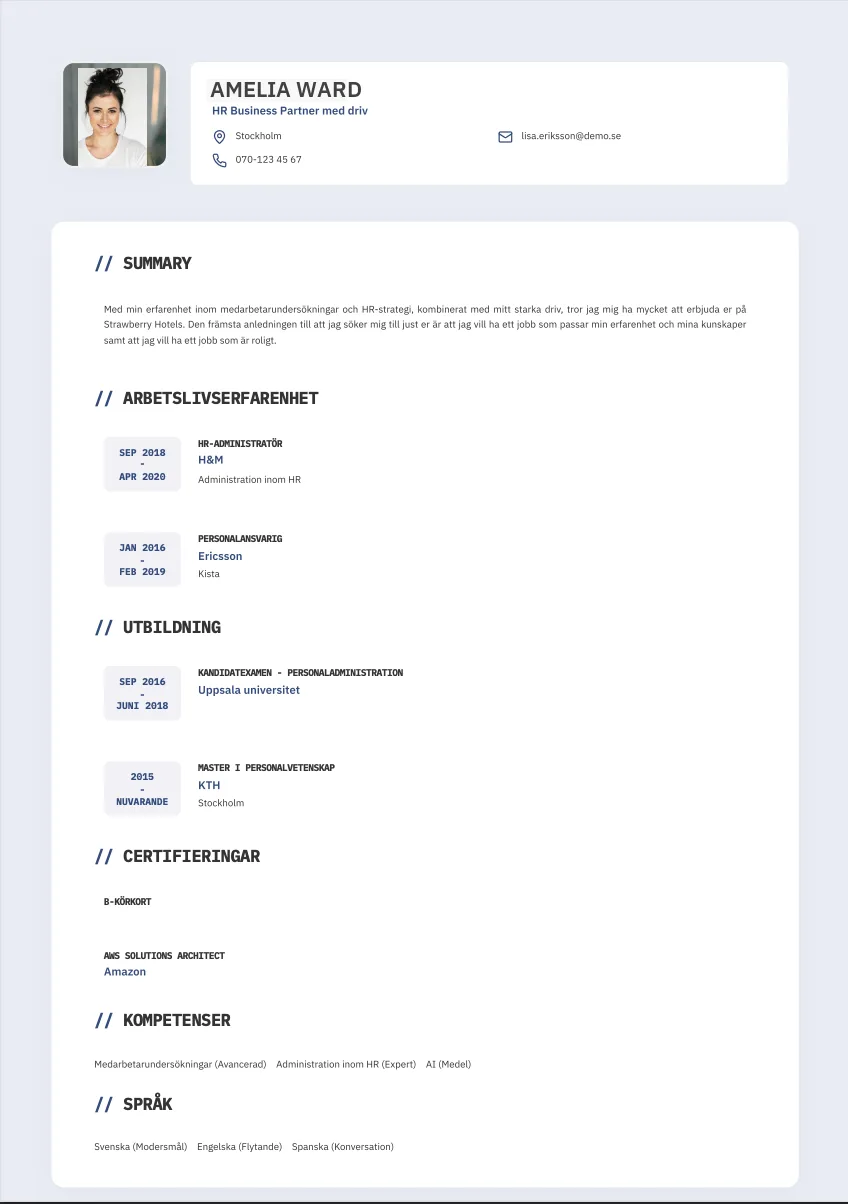
Astrid
Use this template →
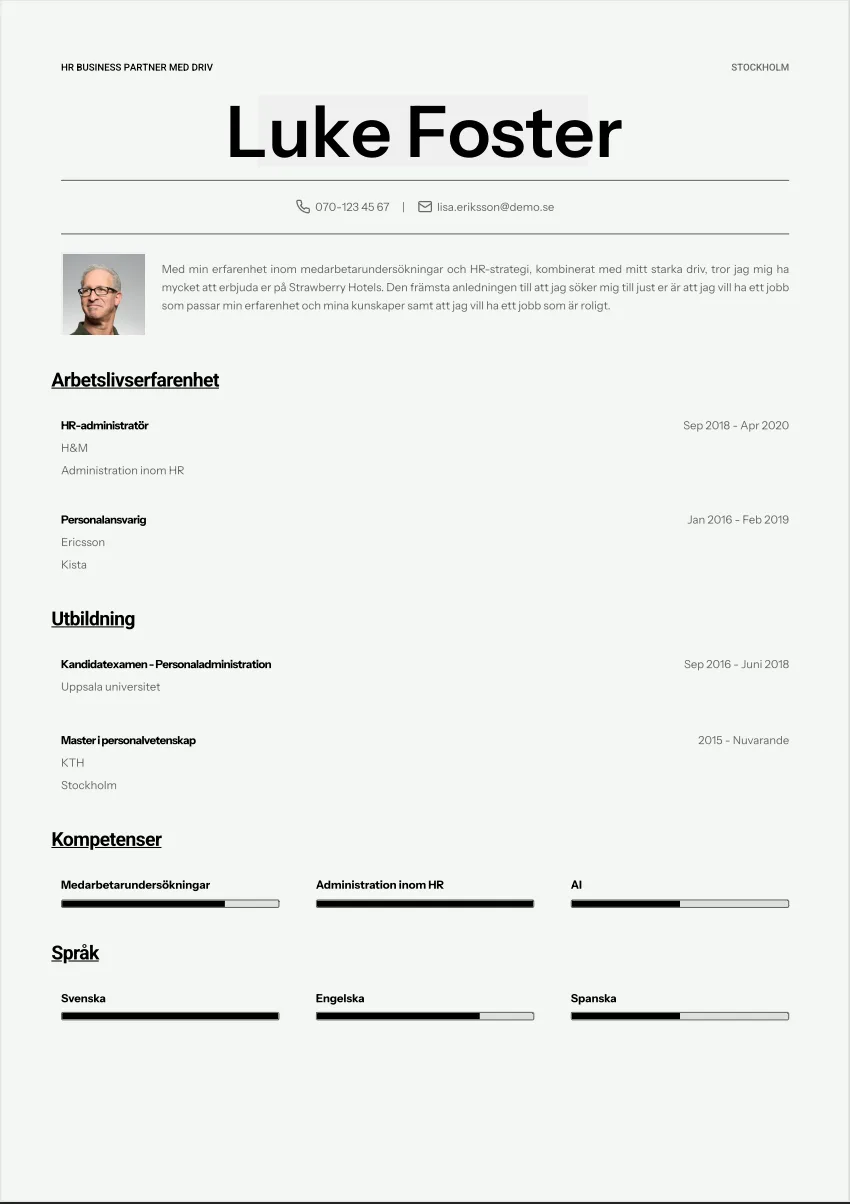
Märta
Use this template →
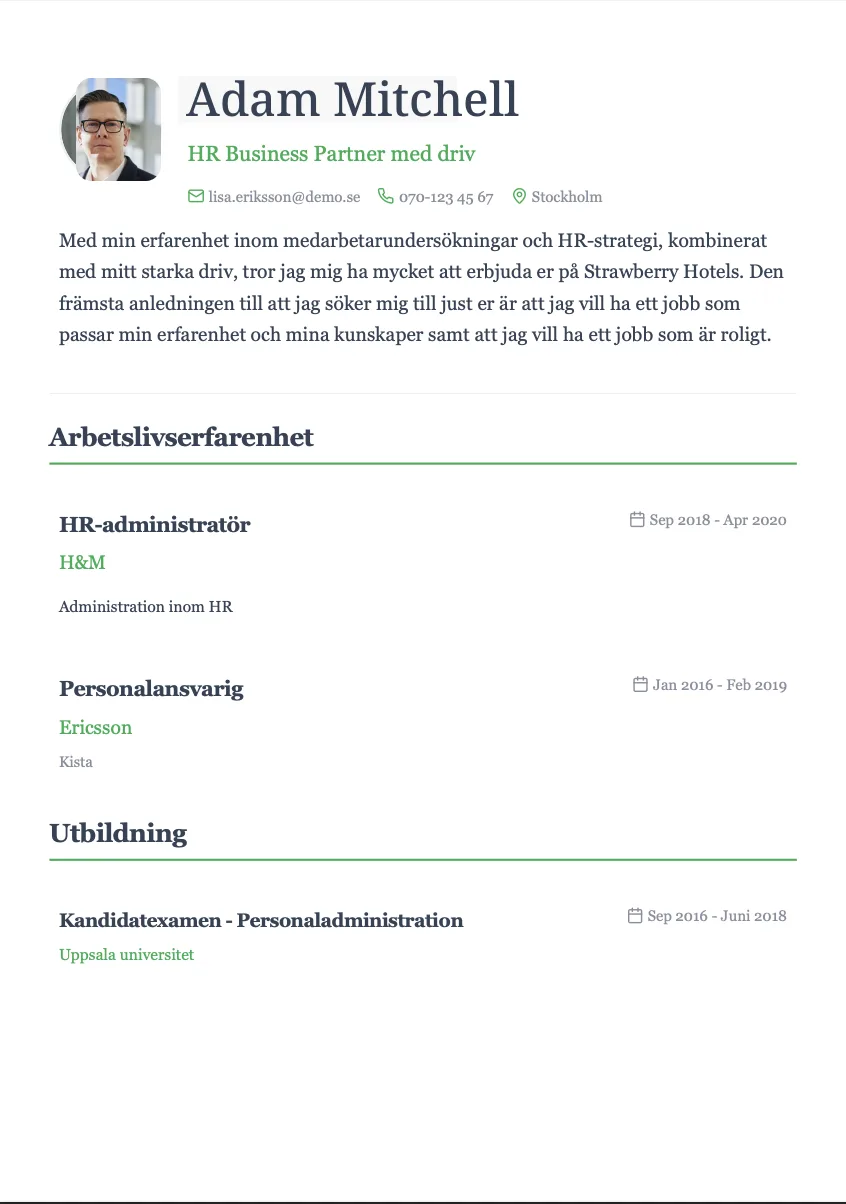
Gösta
Use this template →
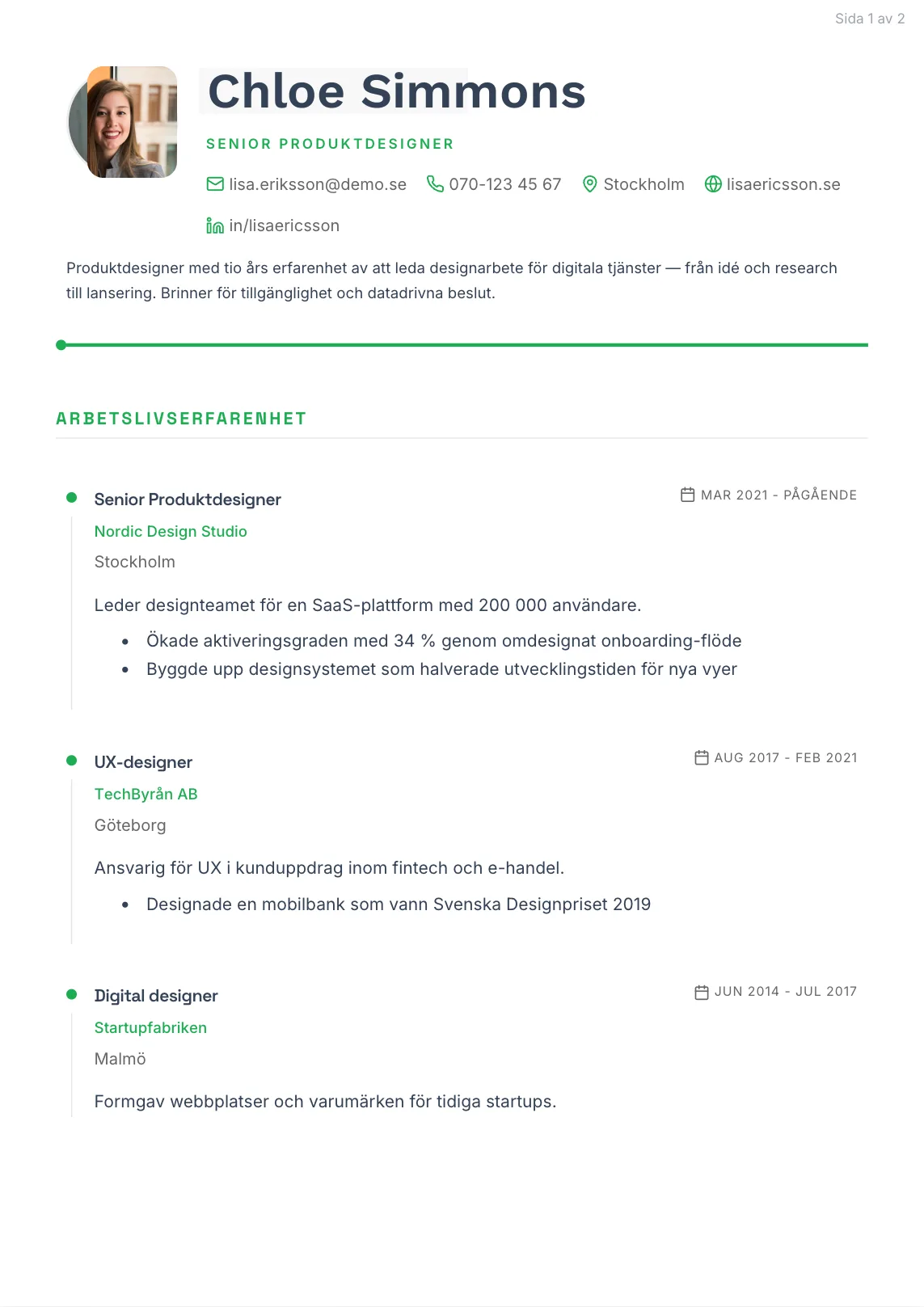
Alvar
Use this template →
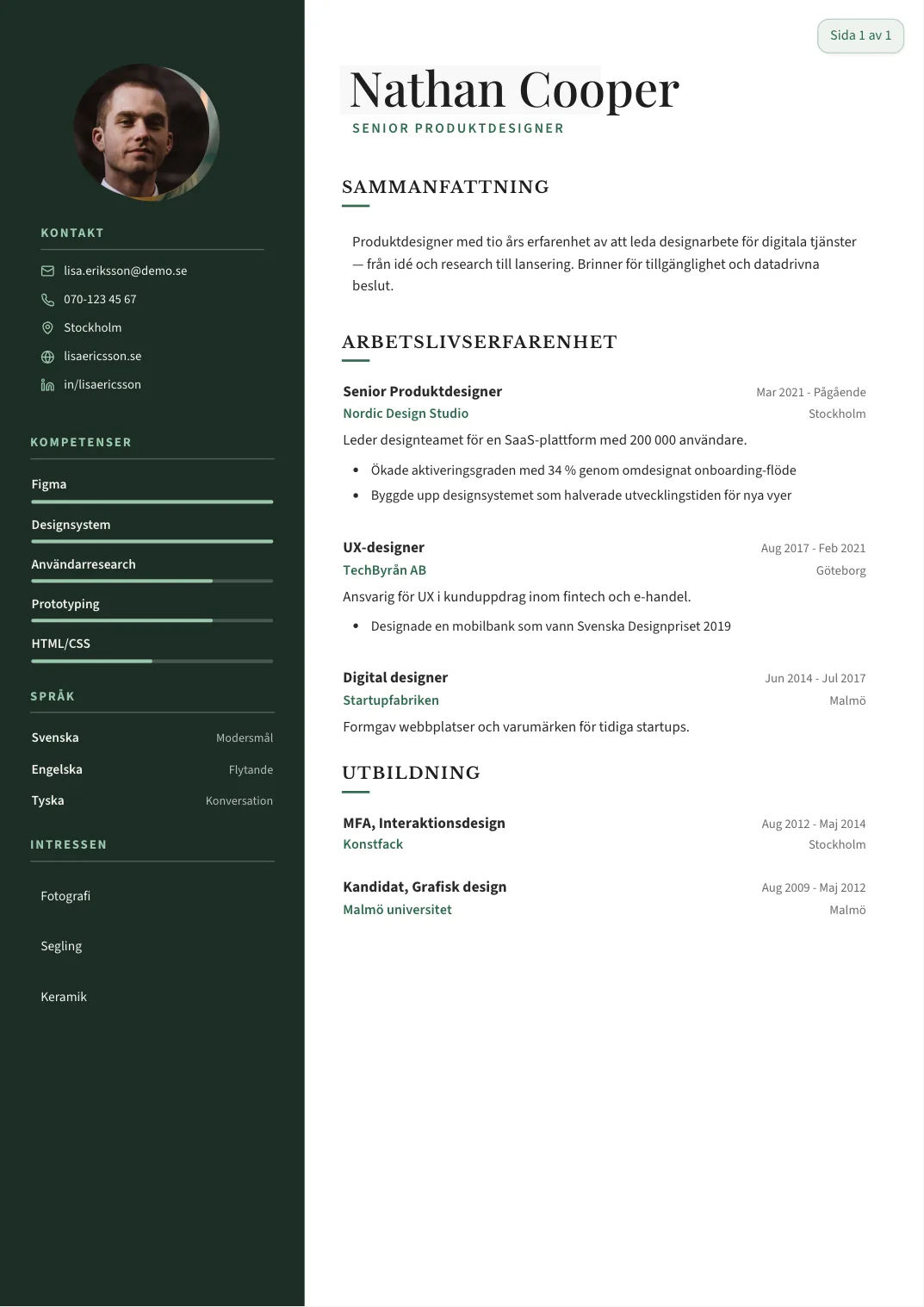
Alfred
Use this template →
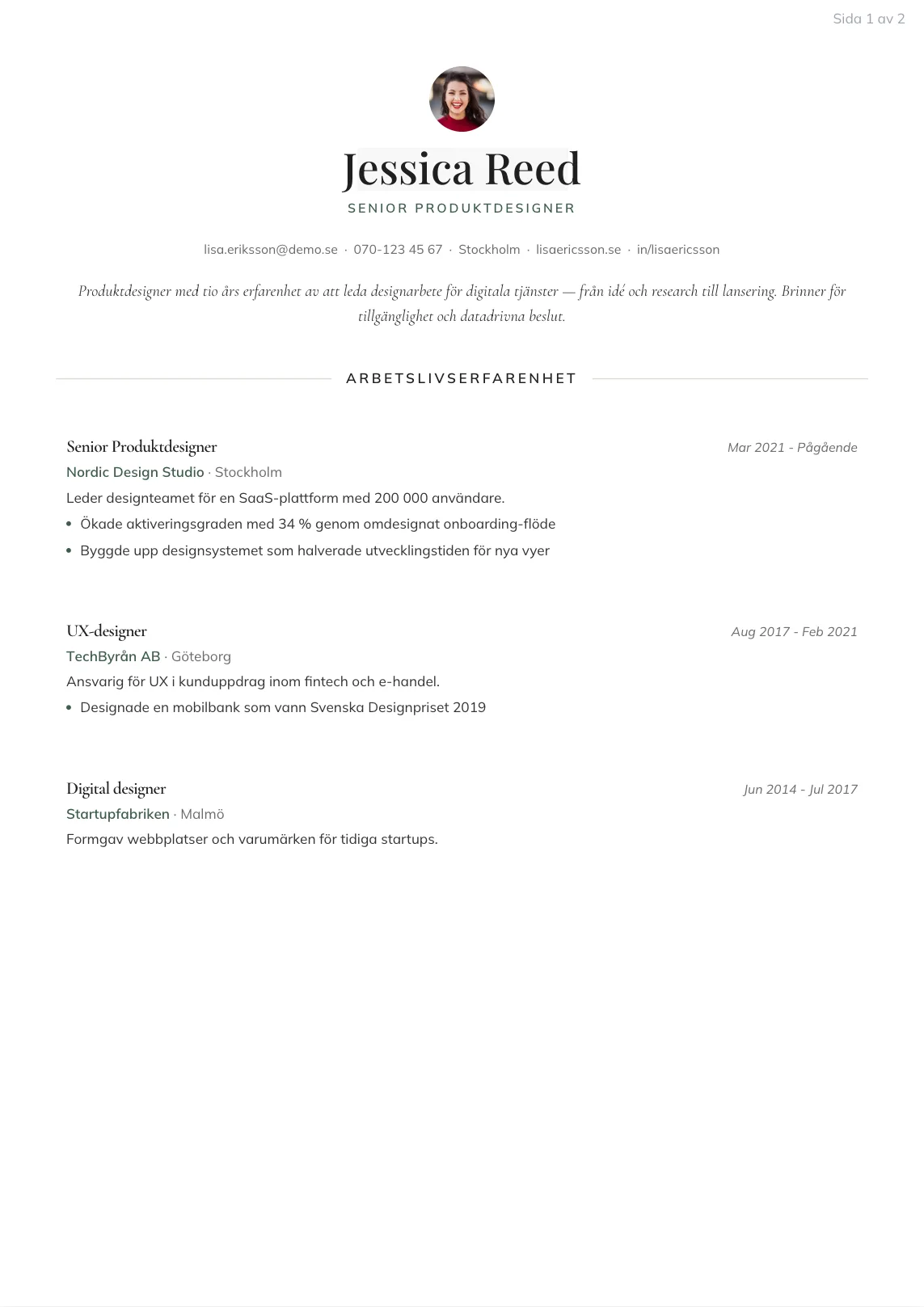
Hjalmar
Use this template →
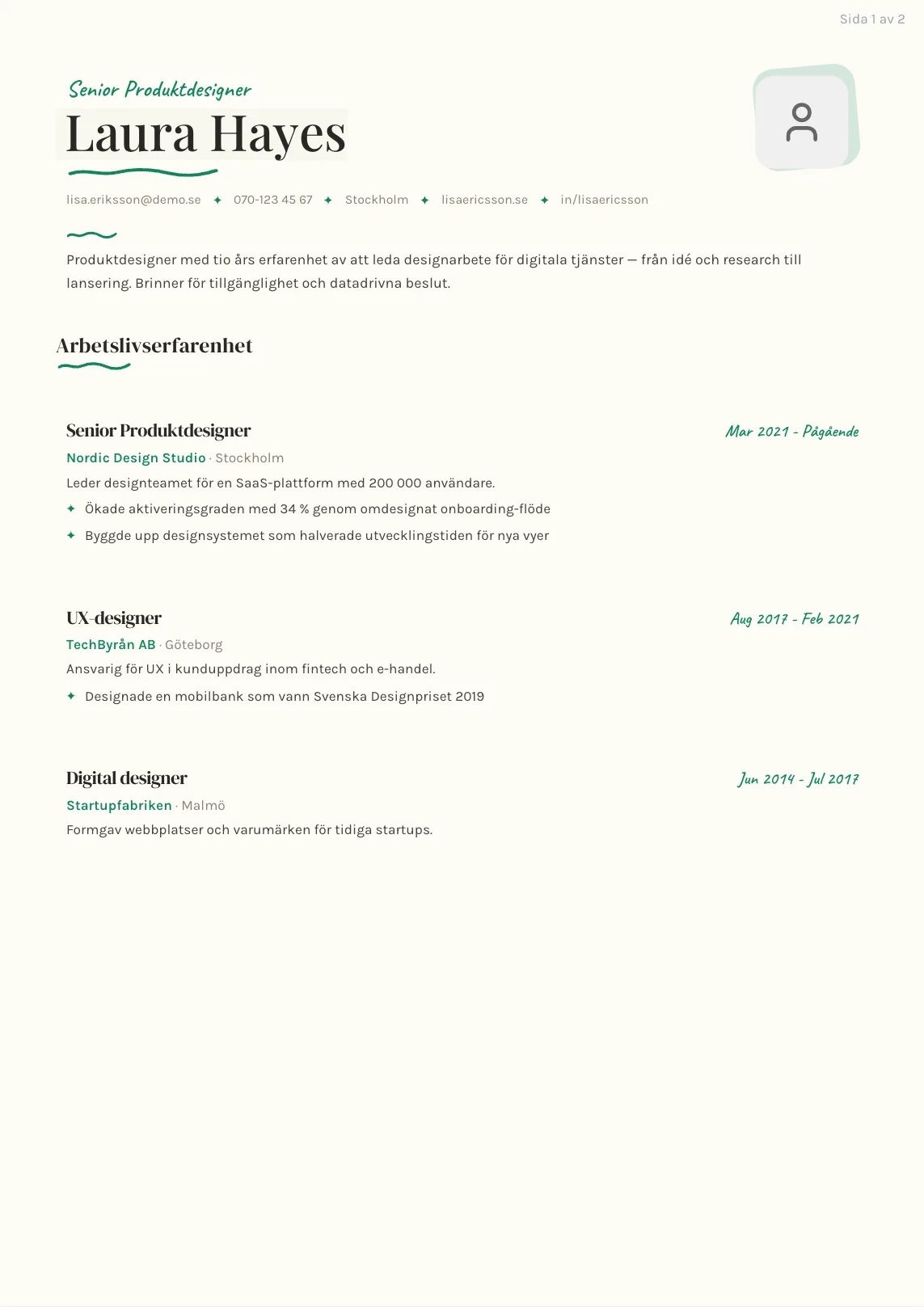
Hilma
Use this template →
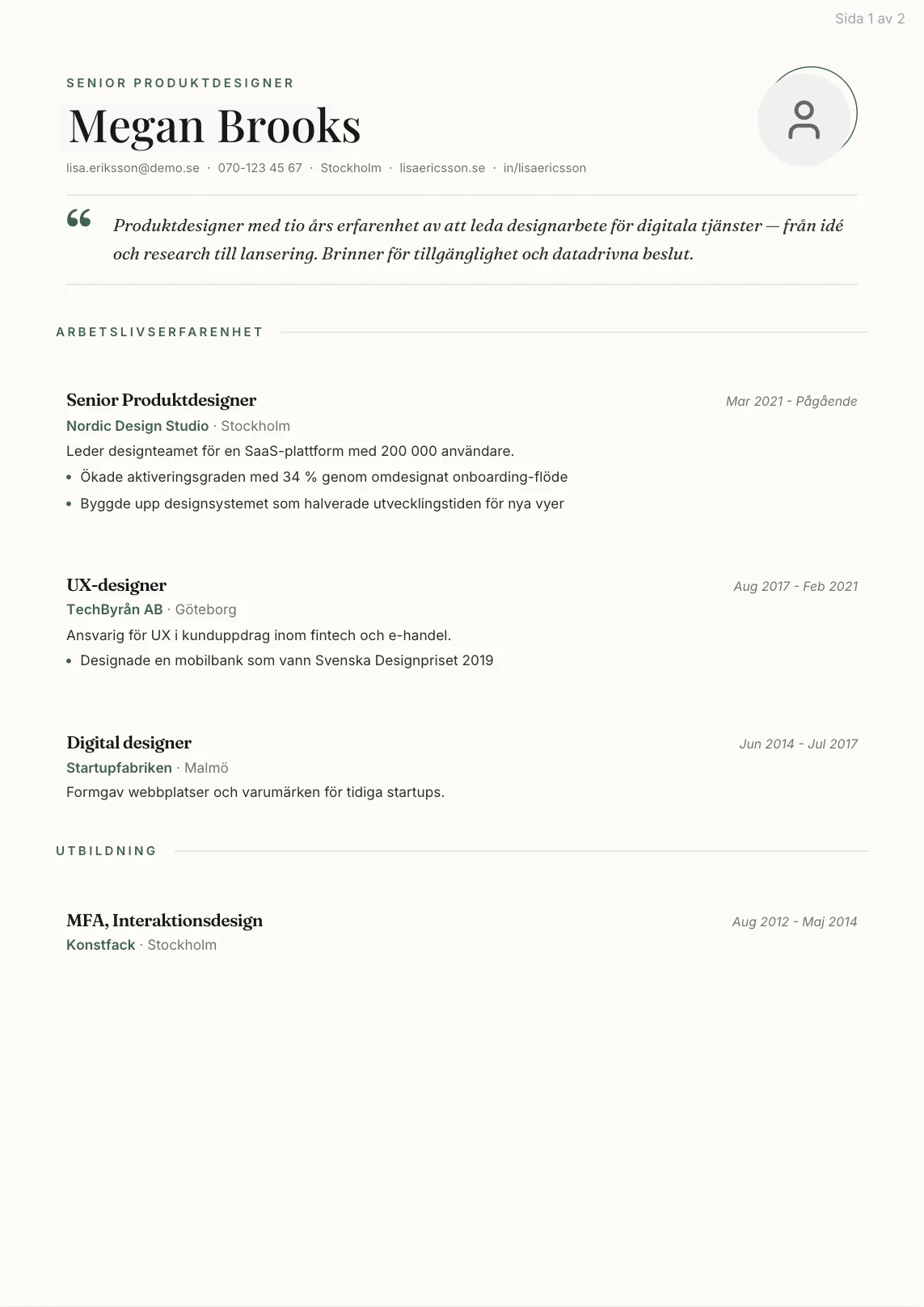
Sigrid
Use this template →
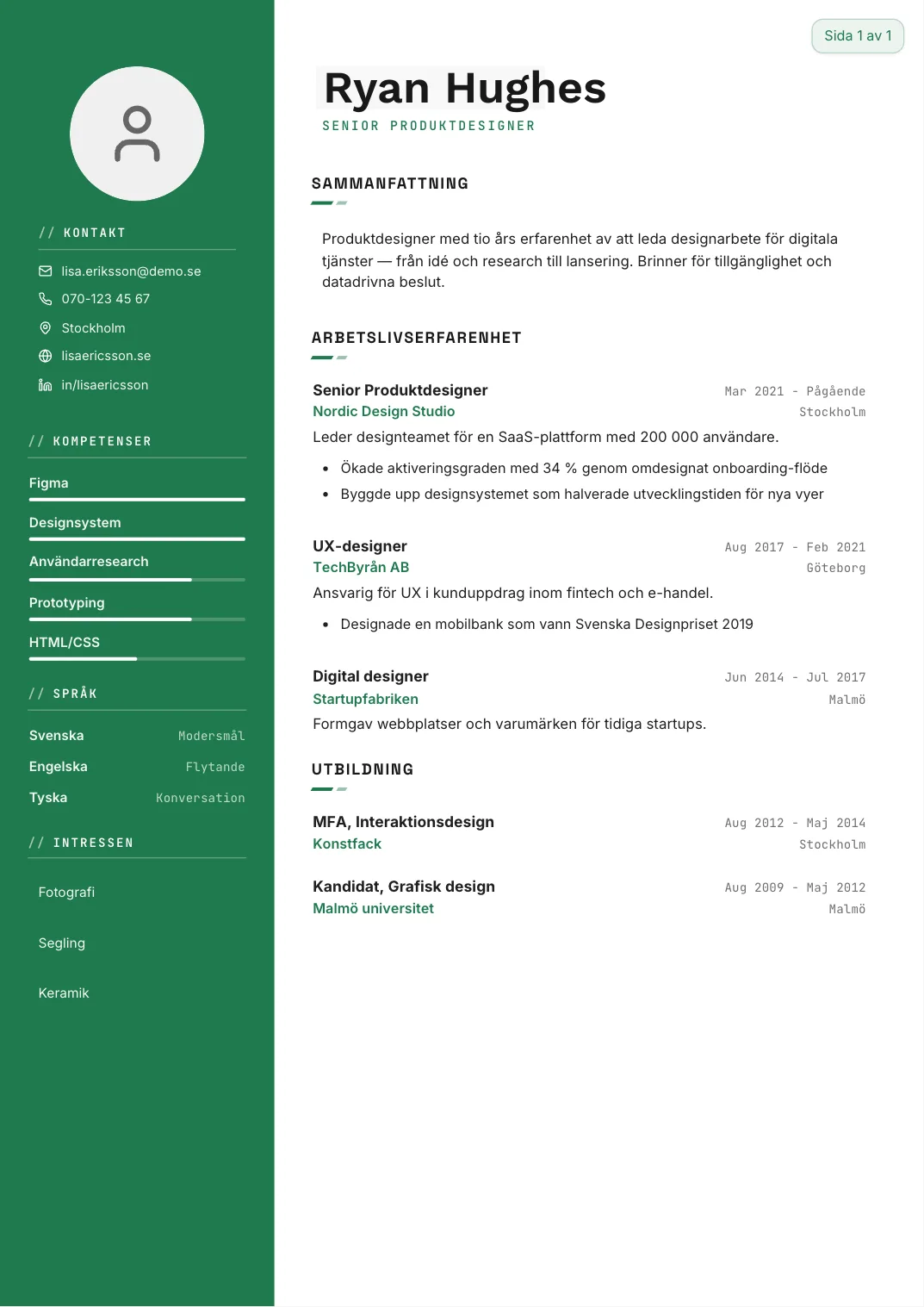
Isaac
Use this template →
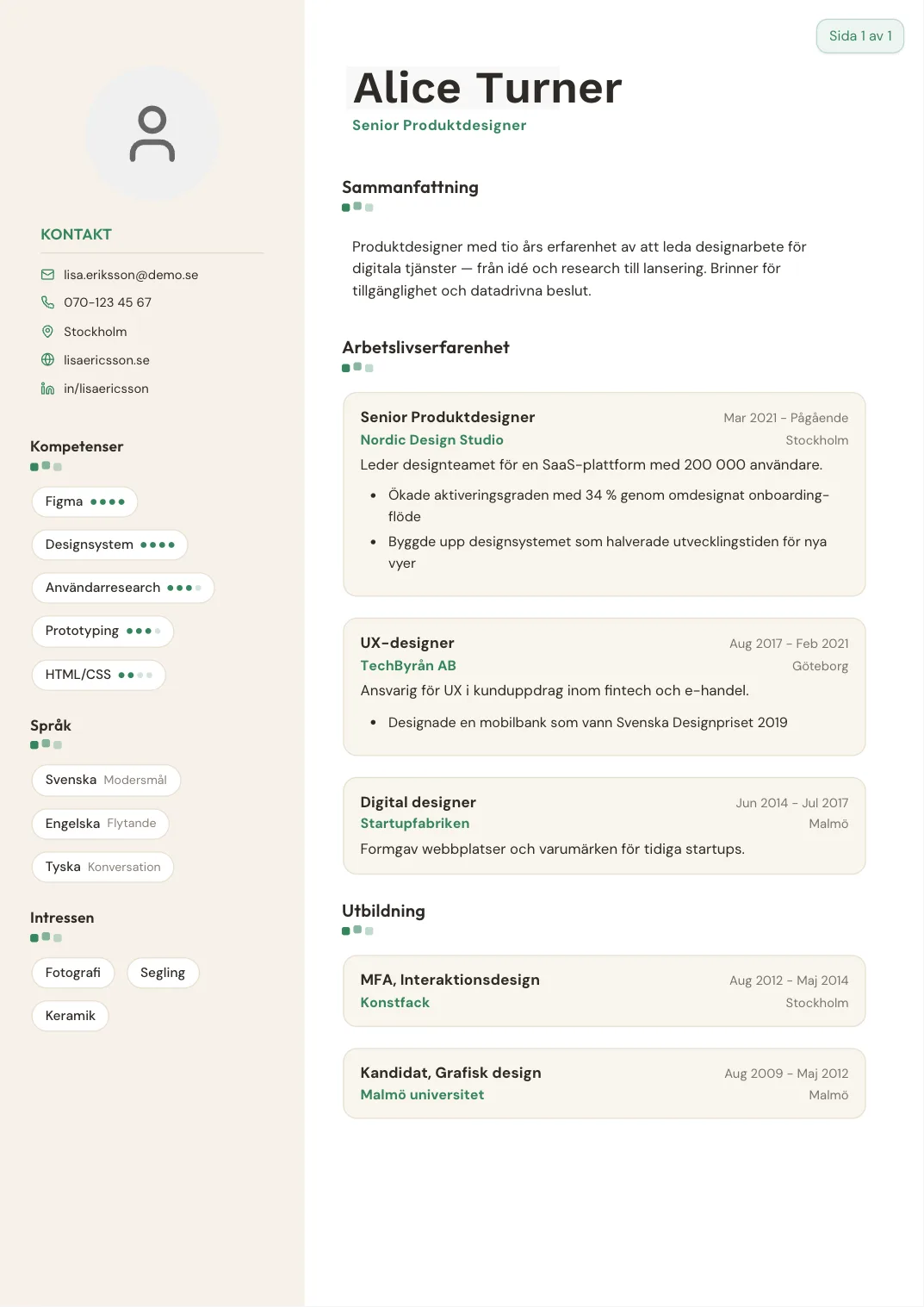
Karin
Use this template →
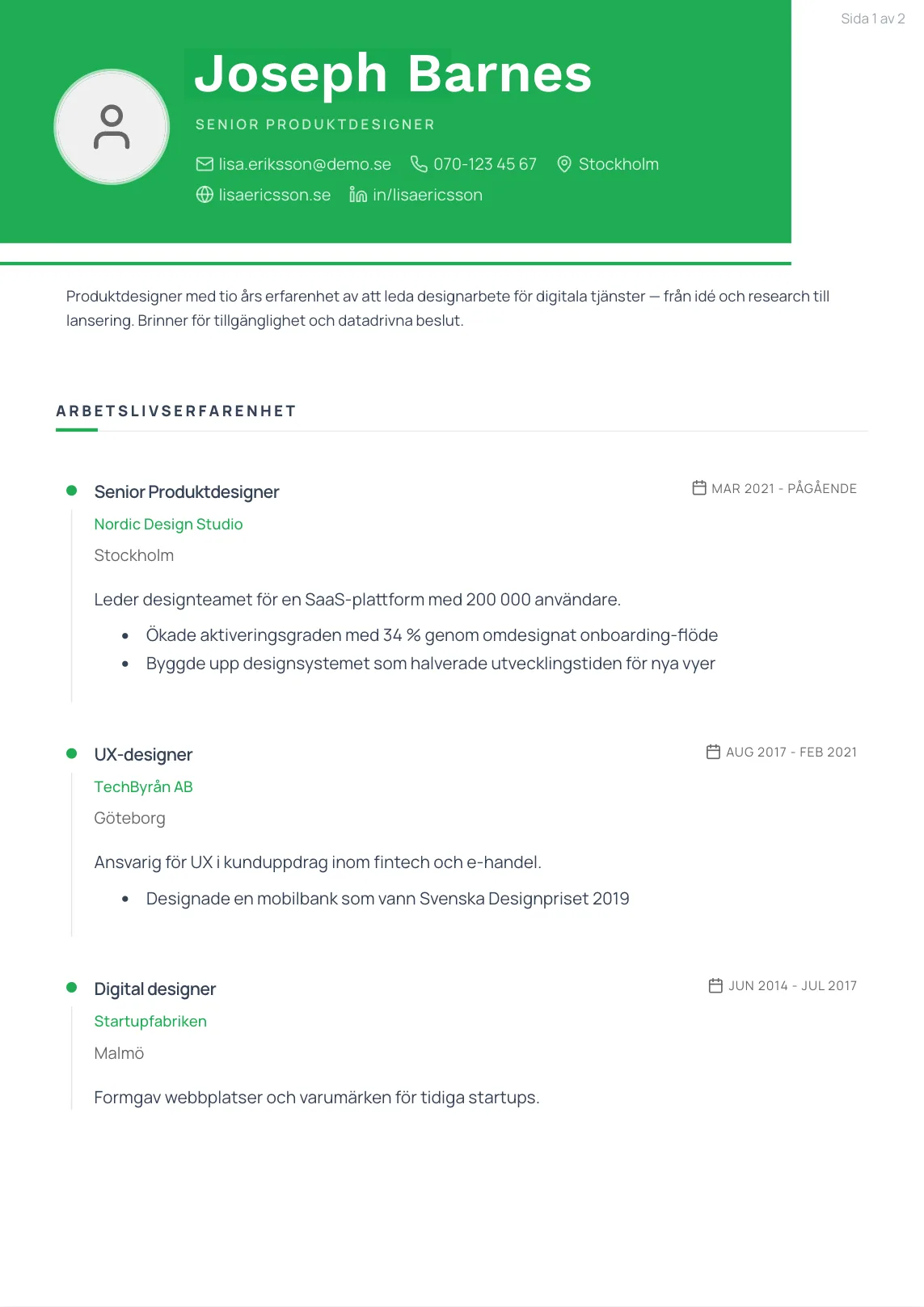
Sixten
Use this template →
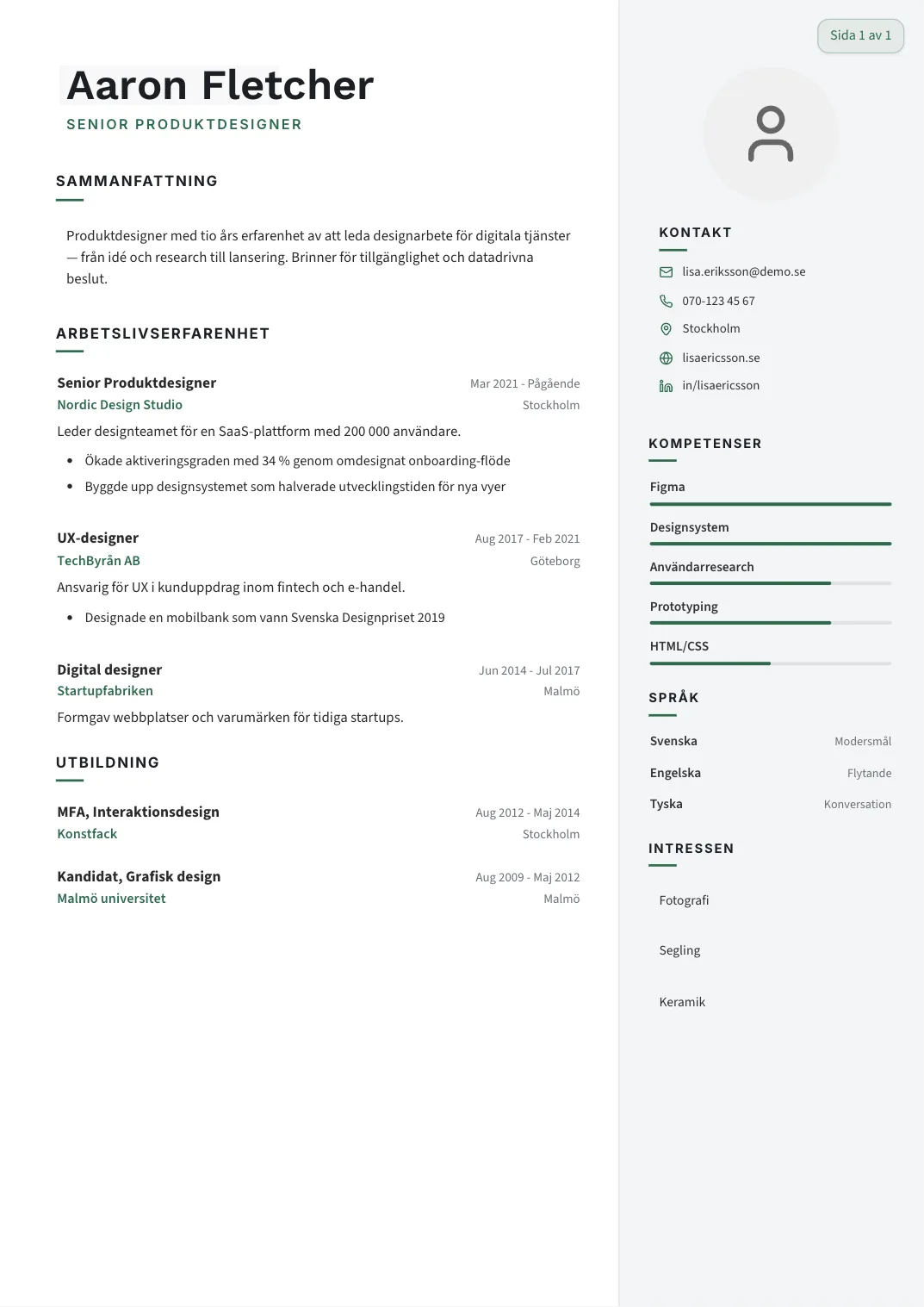
Gunnar
Use this template →
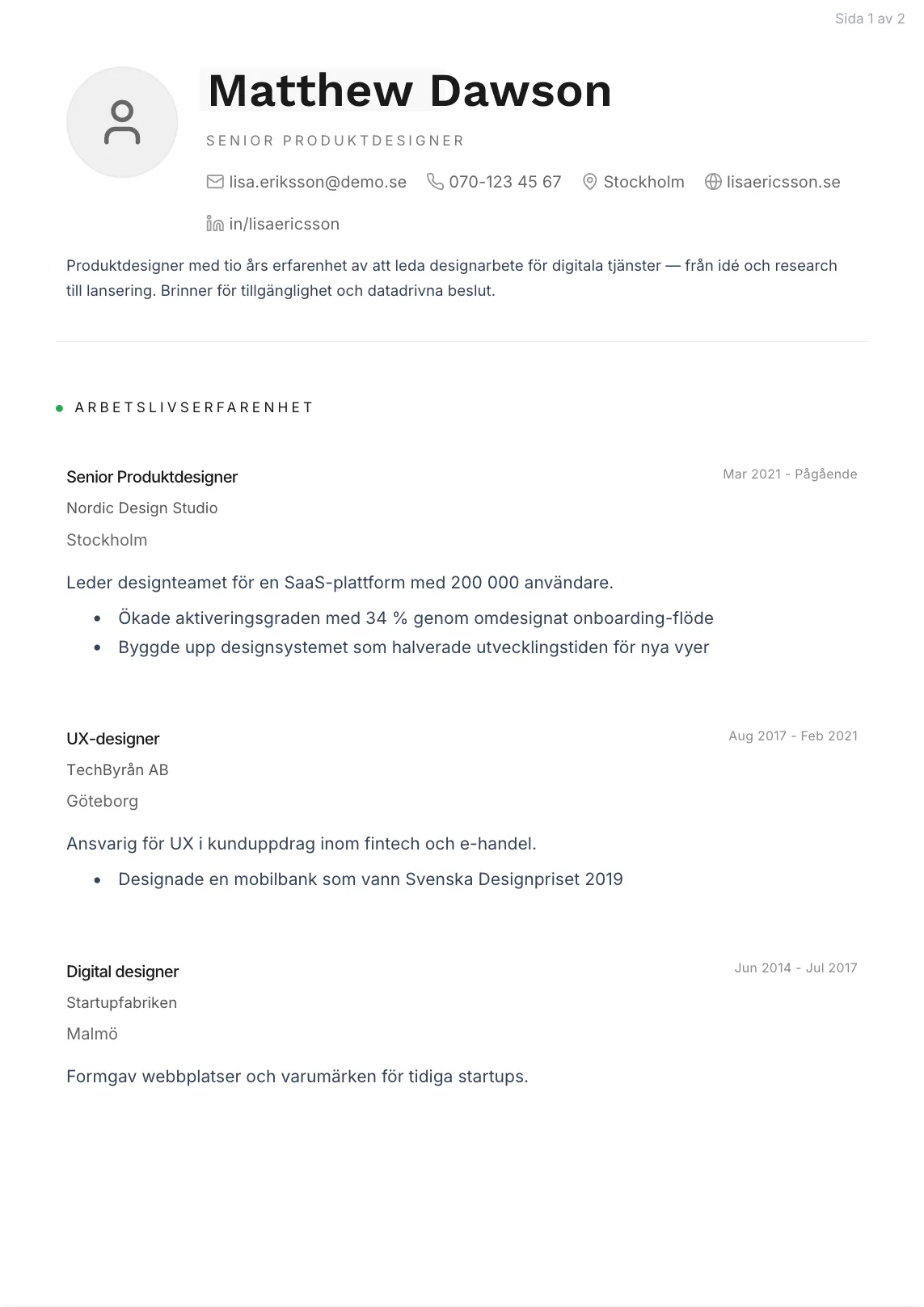
Tomas
Use this template →
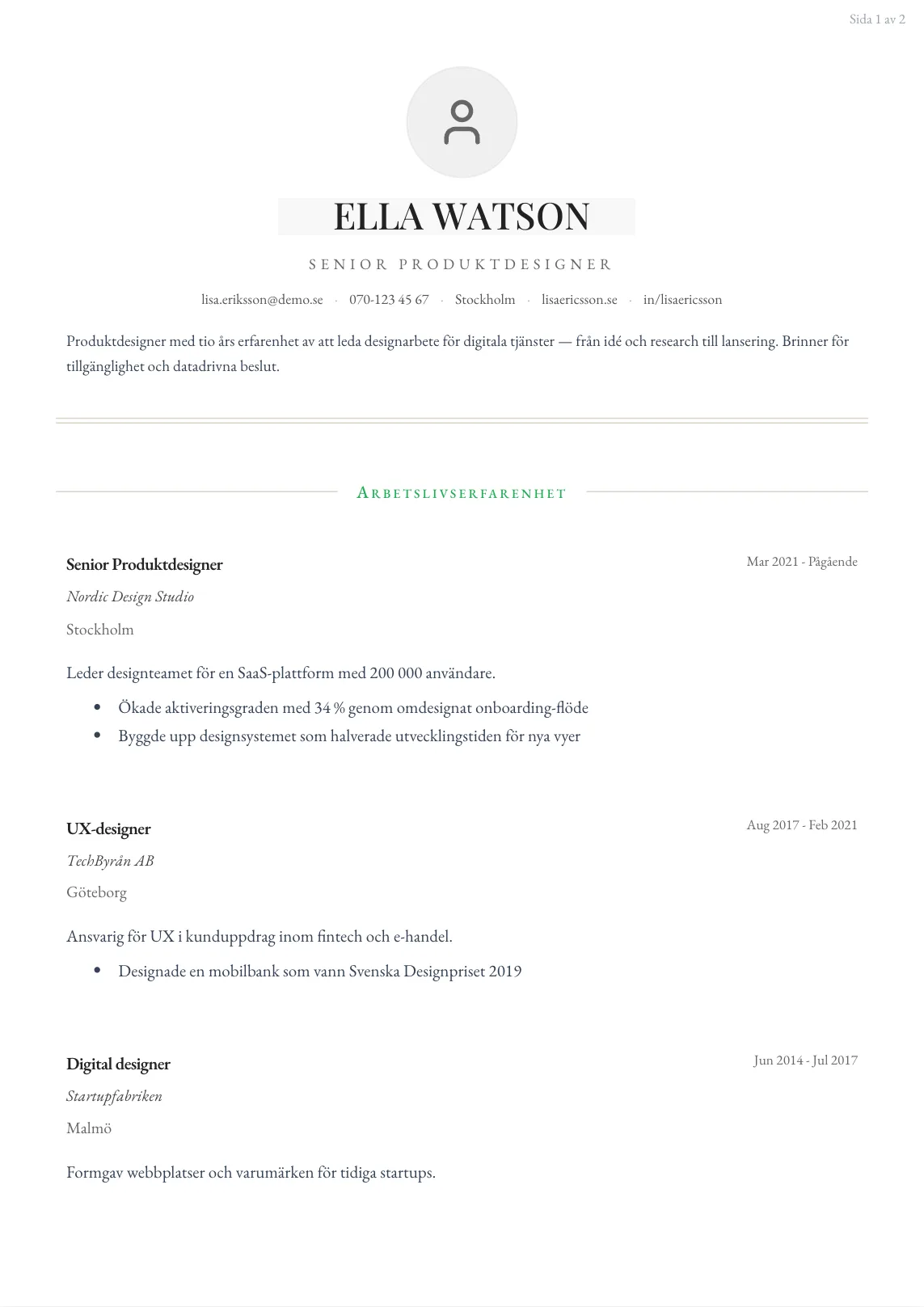
Selma
Use this template →
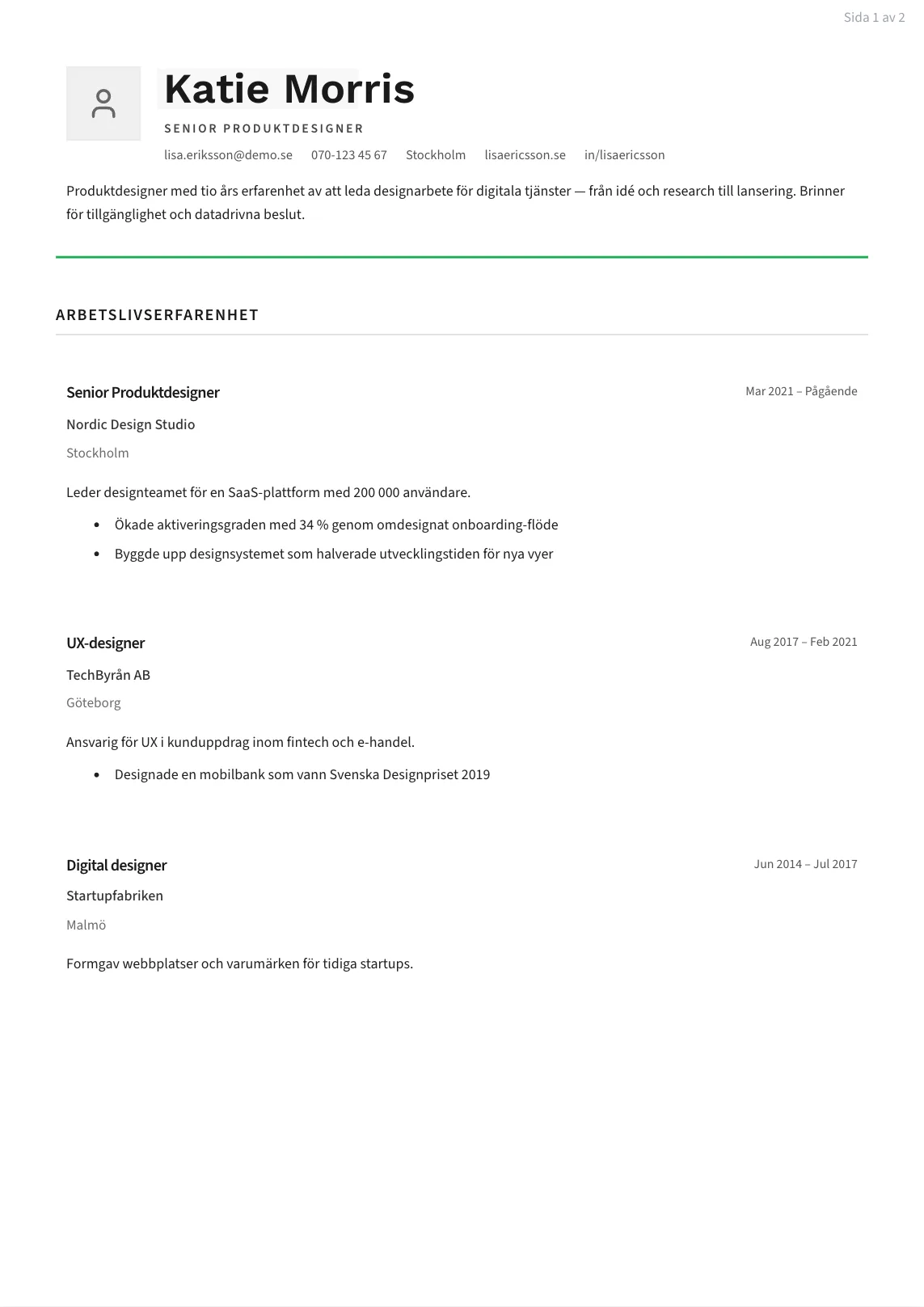
Linnéa
Use this template →
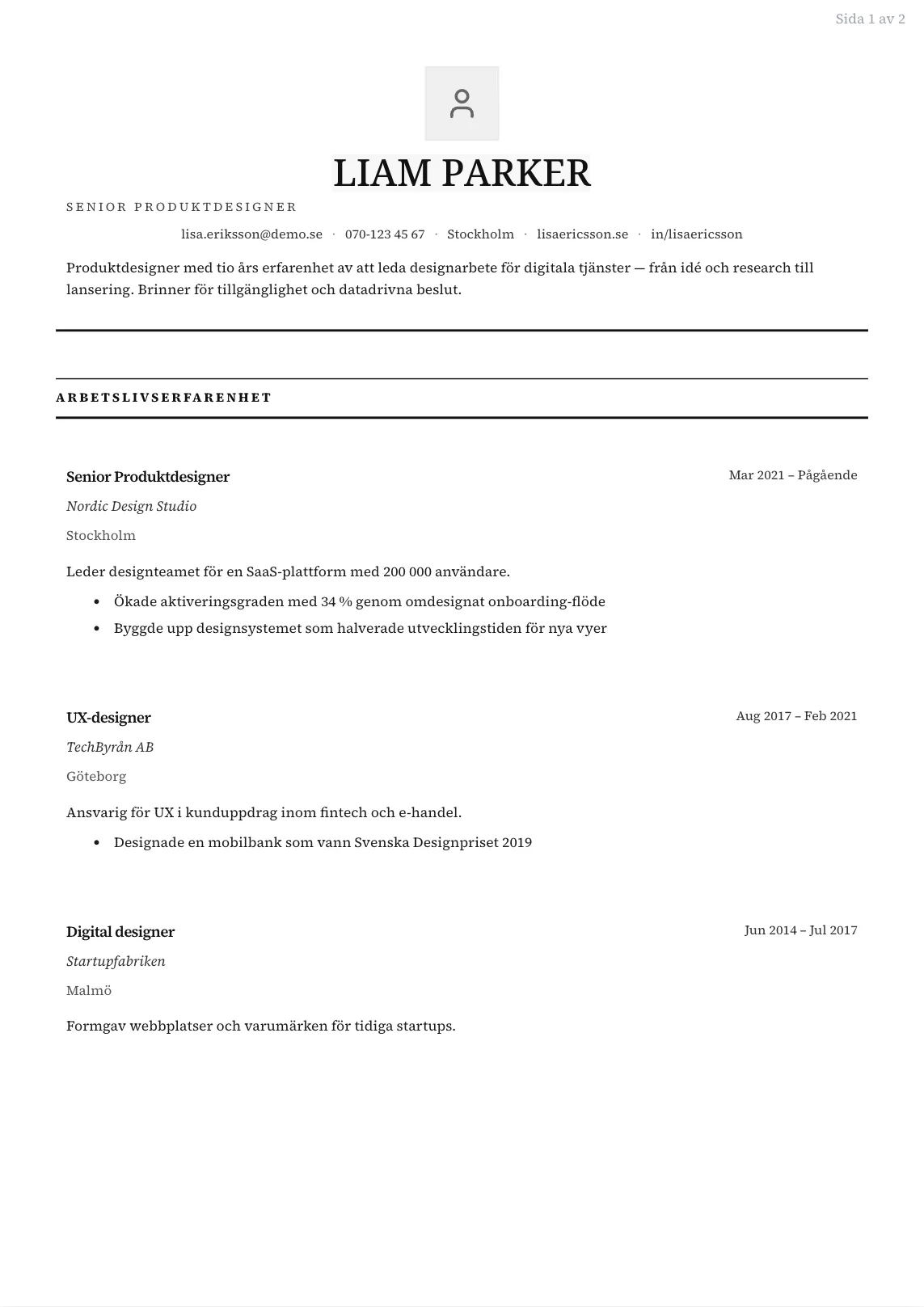
Dag
Use this template →
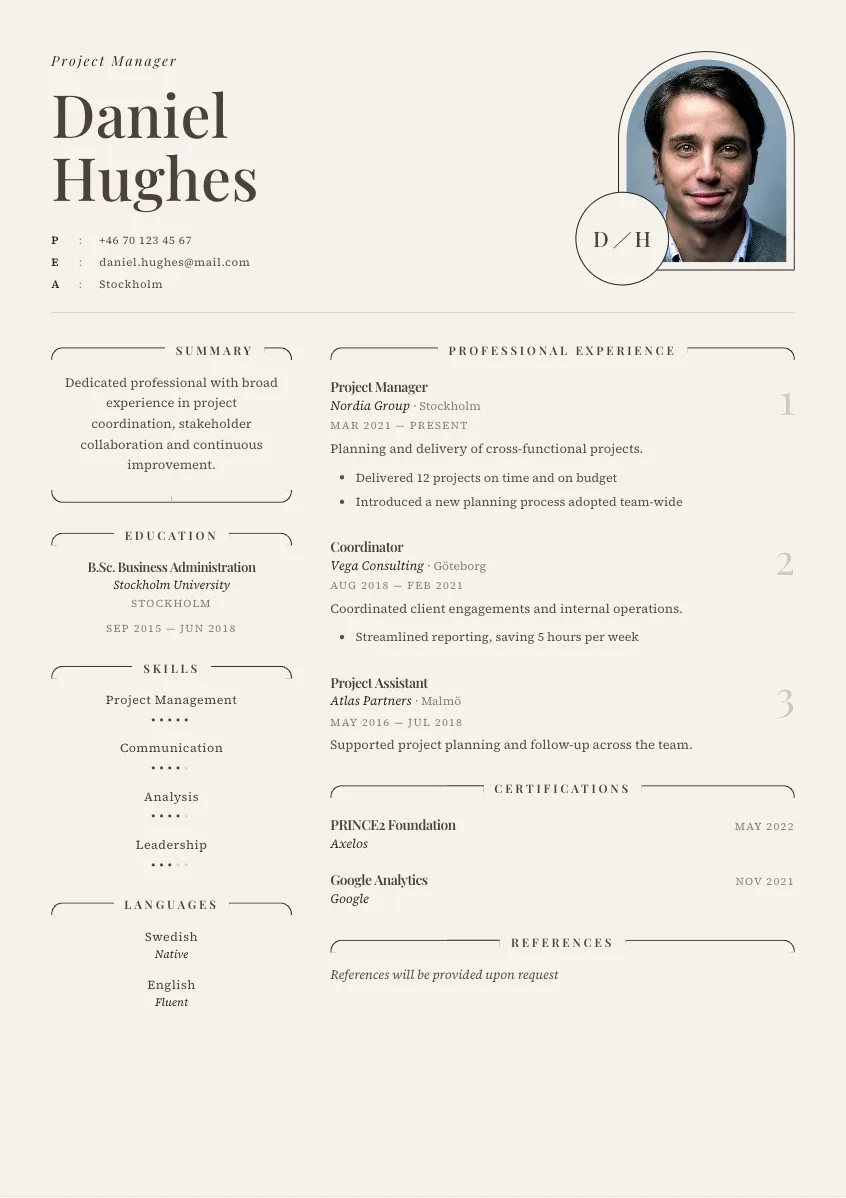
Ester
Use this template →
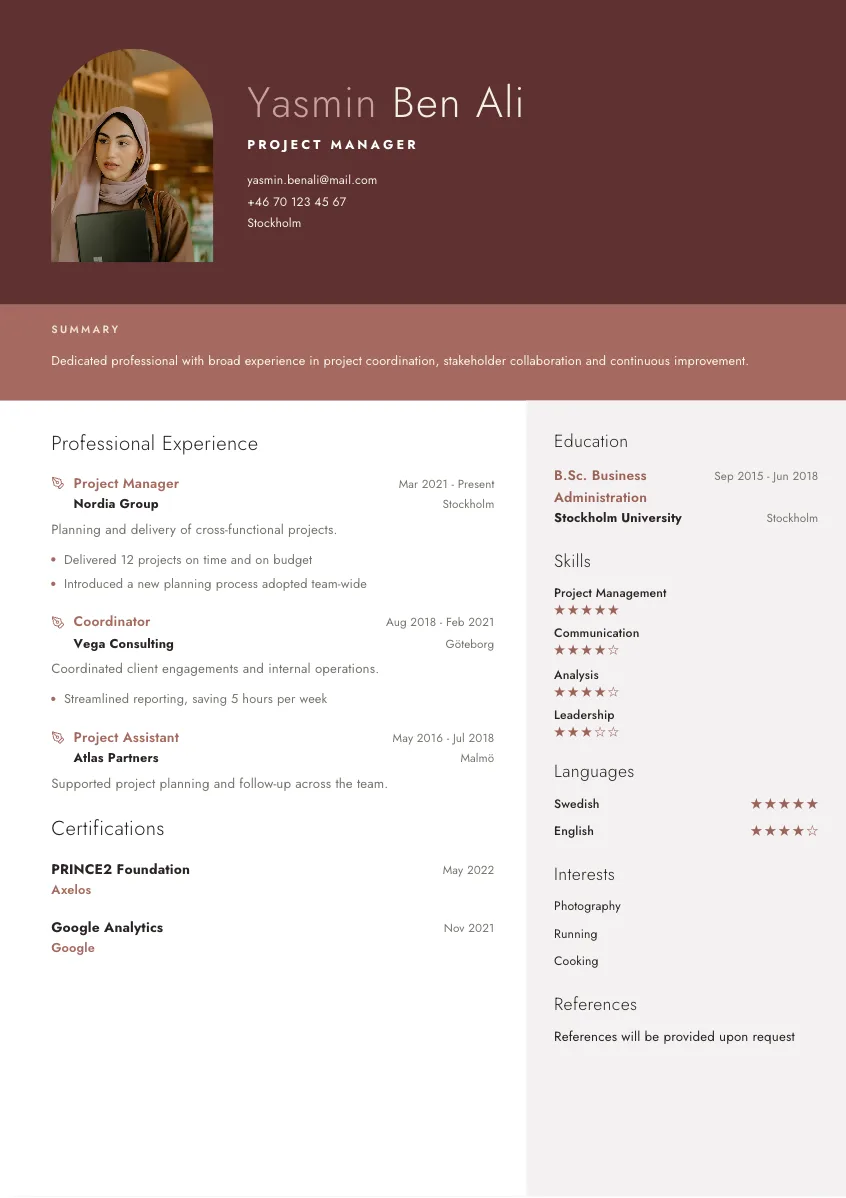
Alma
Use this template →
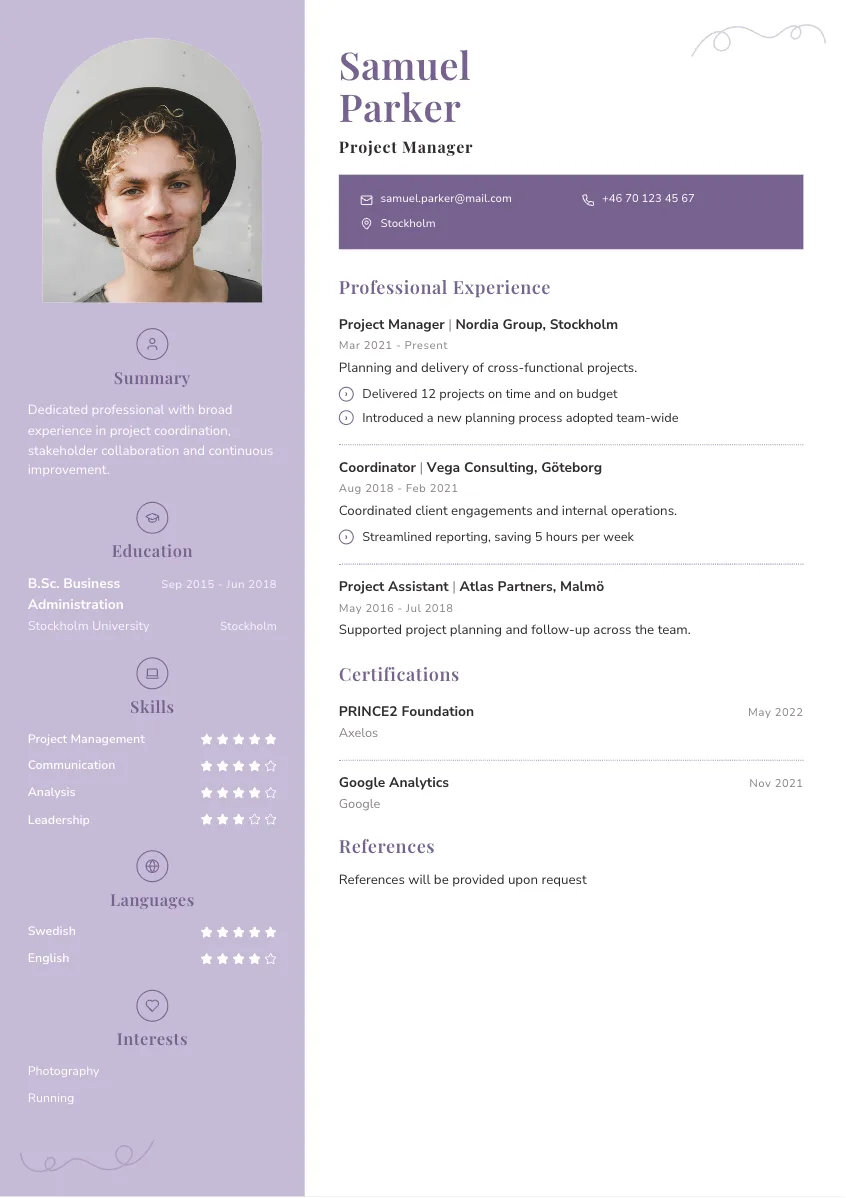
Ellen
Use this template →
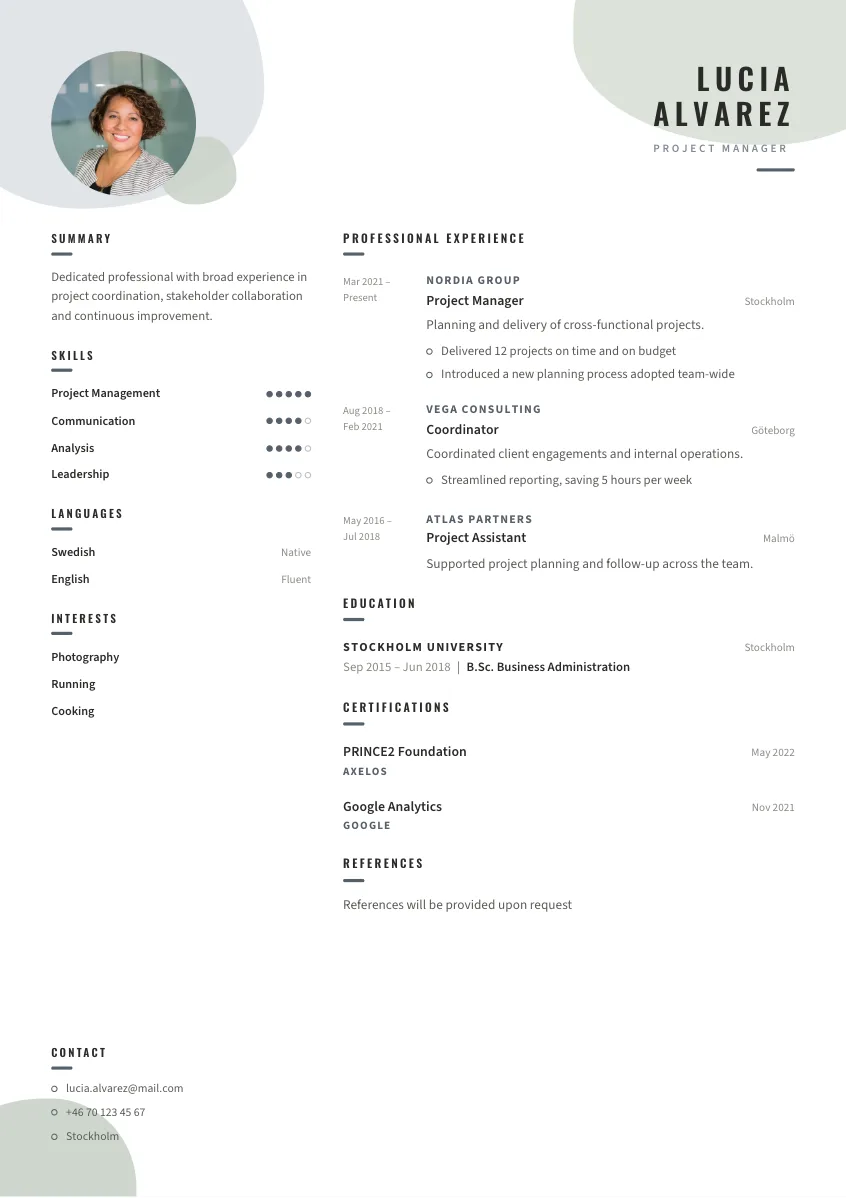
Maja
Use this template →
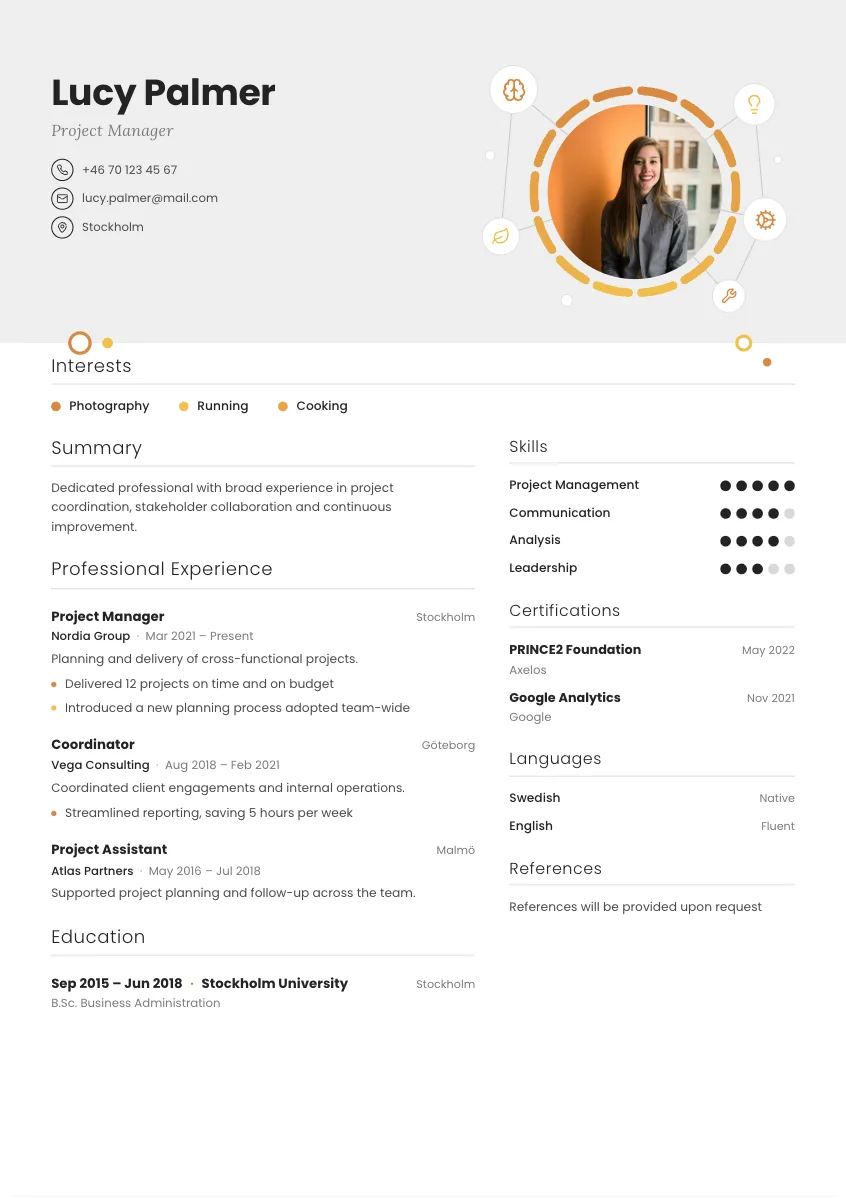
Elin
Use this template →
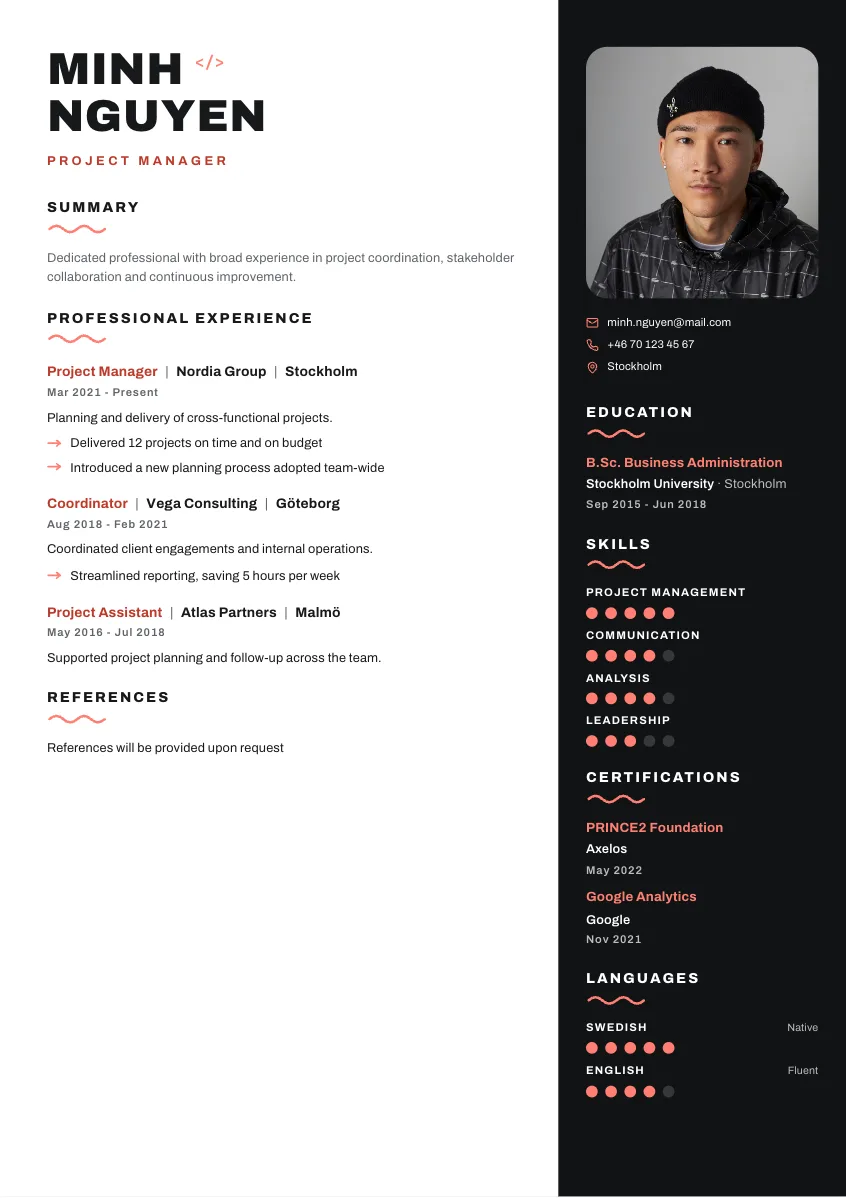
Viggo
Use this template →
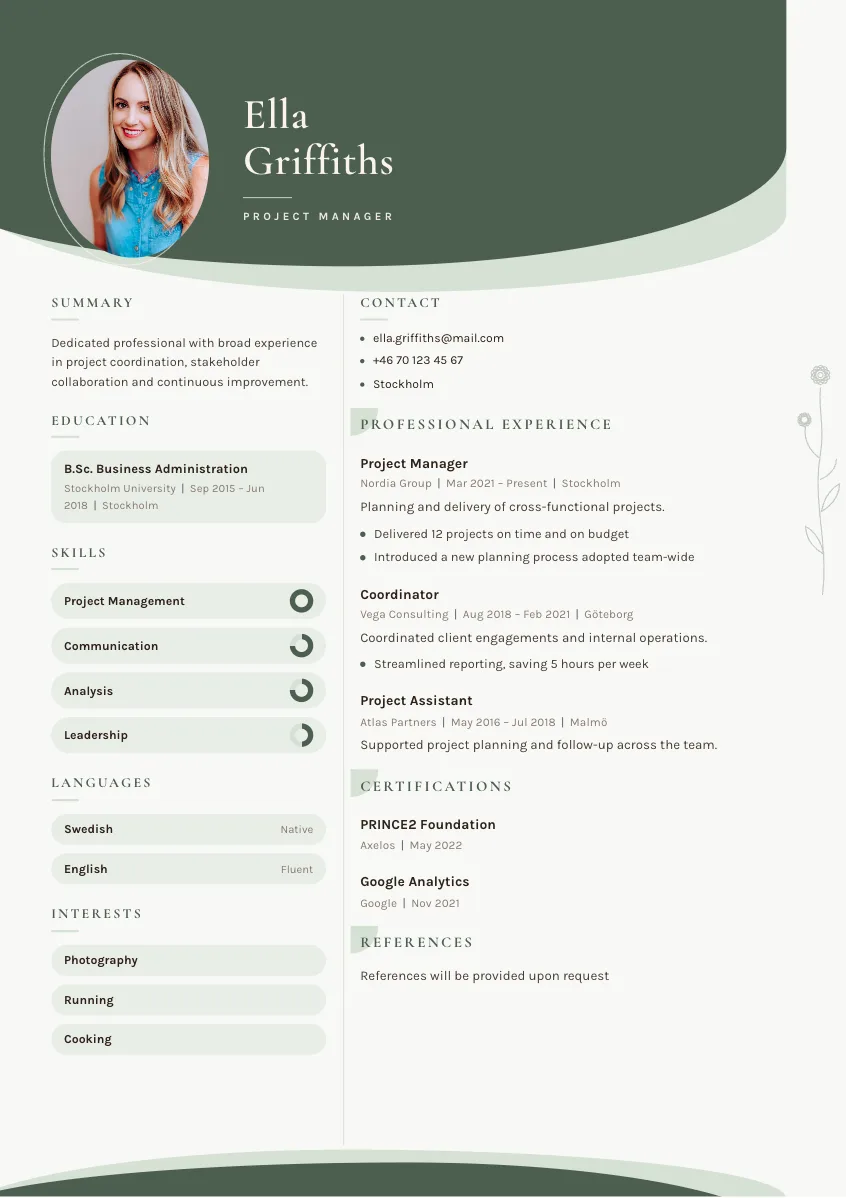
Nora
Use this template →
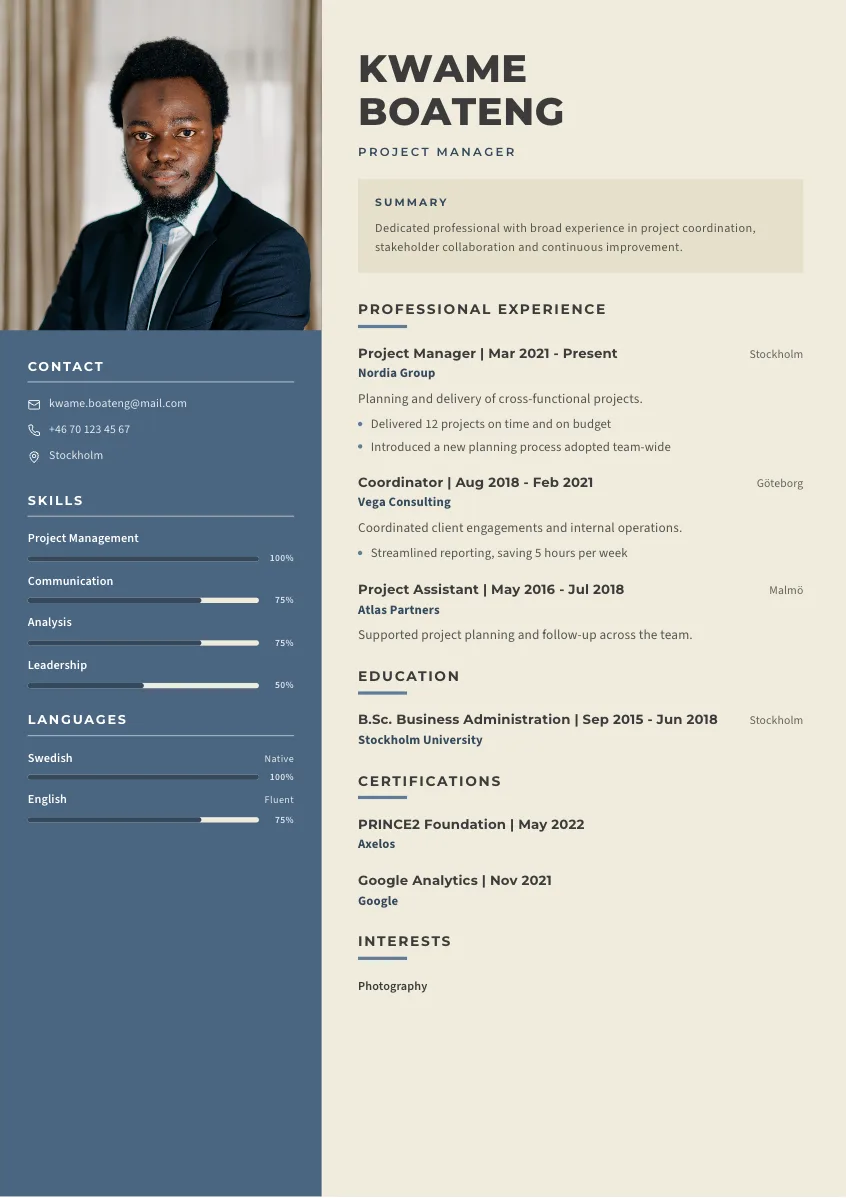
Ingrid
Use this template →
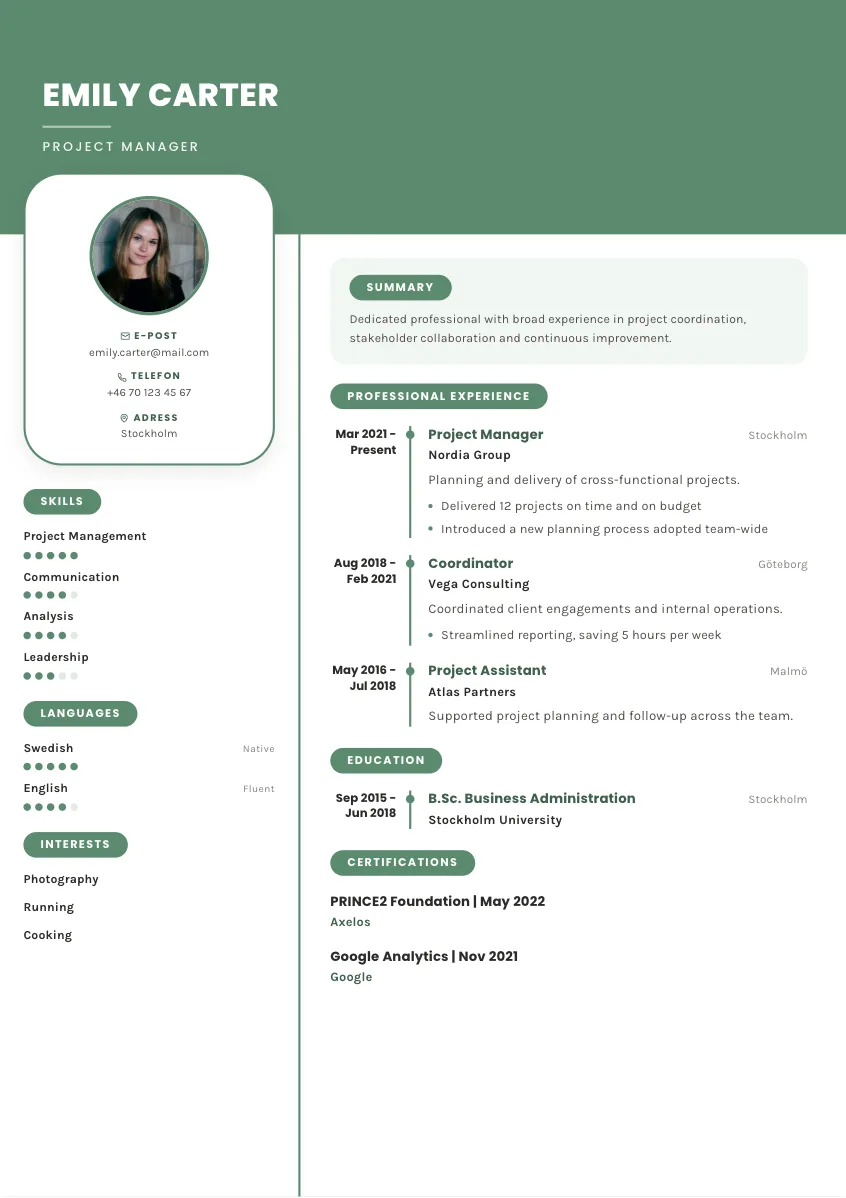
Rut
Use this template →
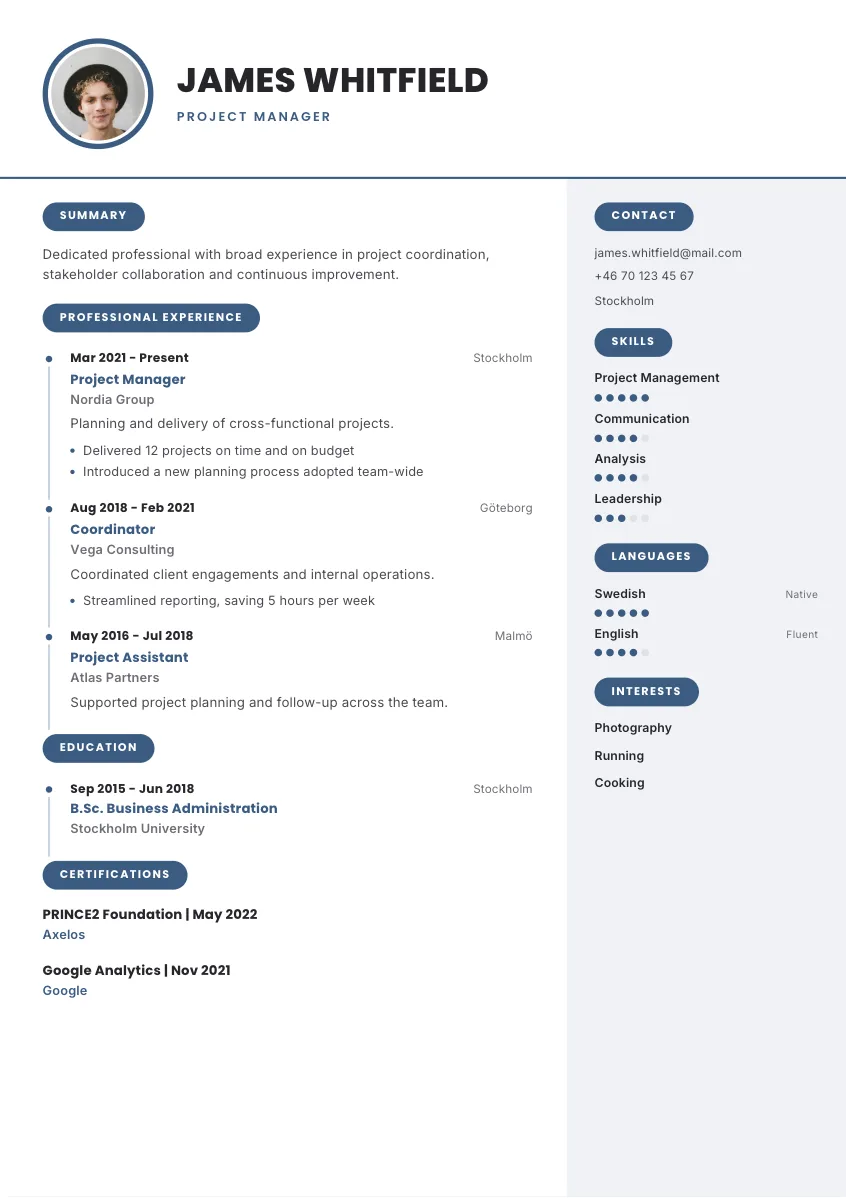
Folke
Use this template →
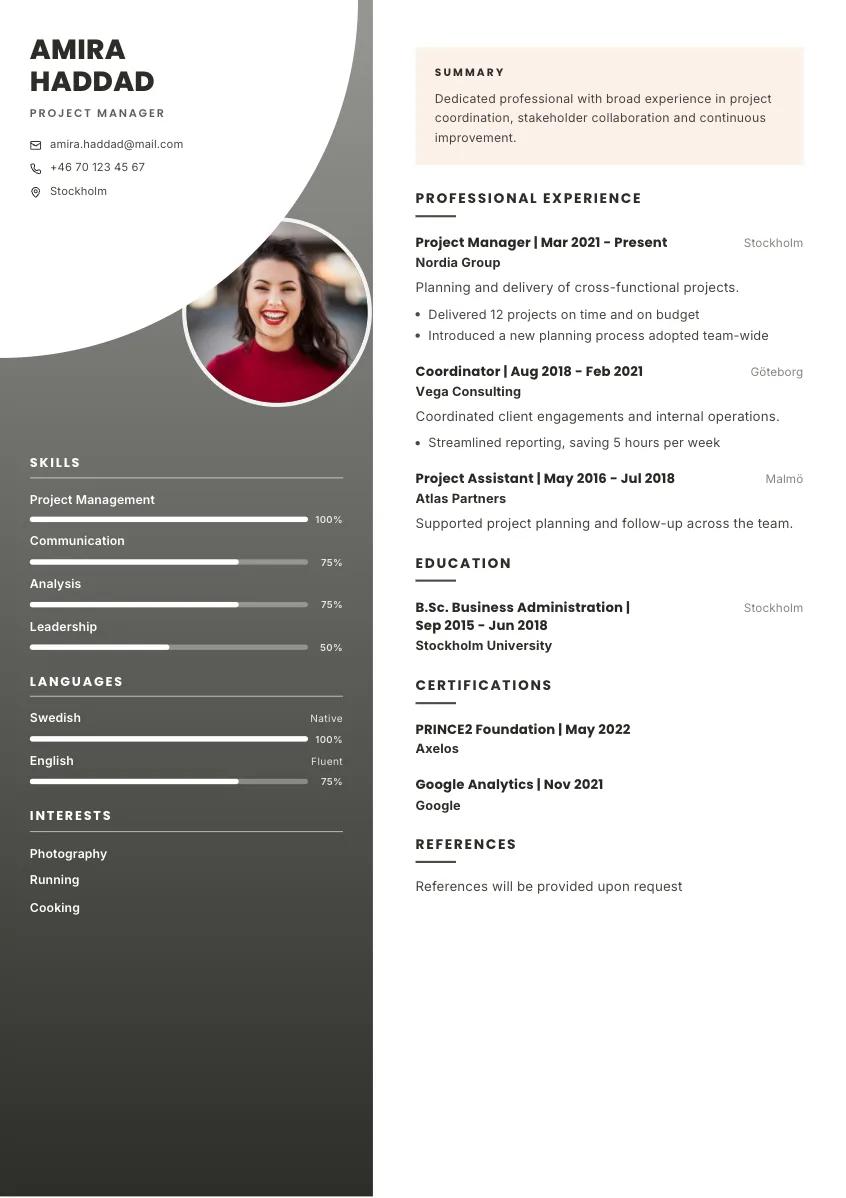
Svea
Use this template →
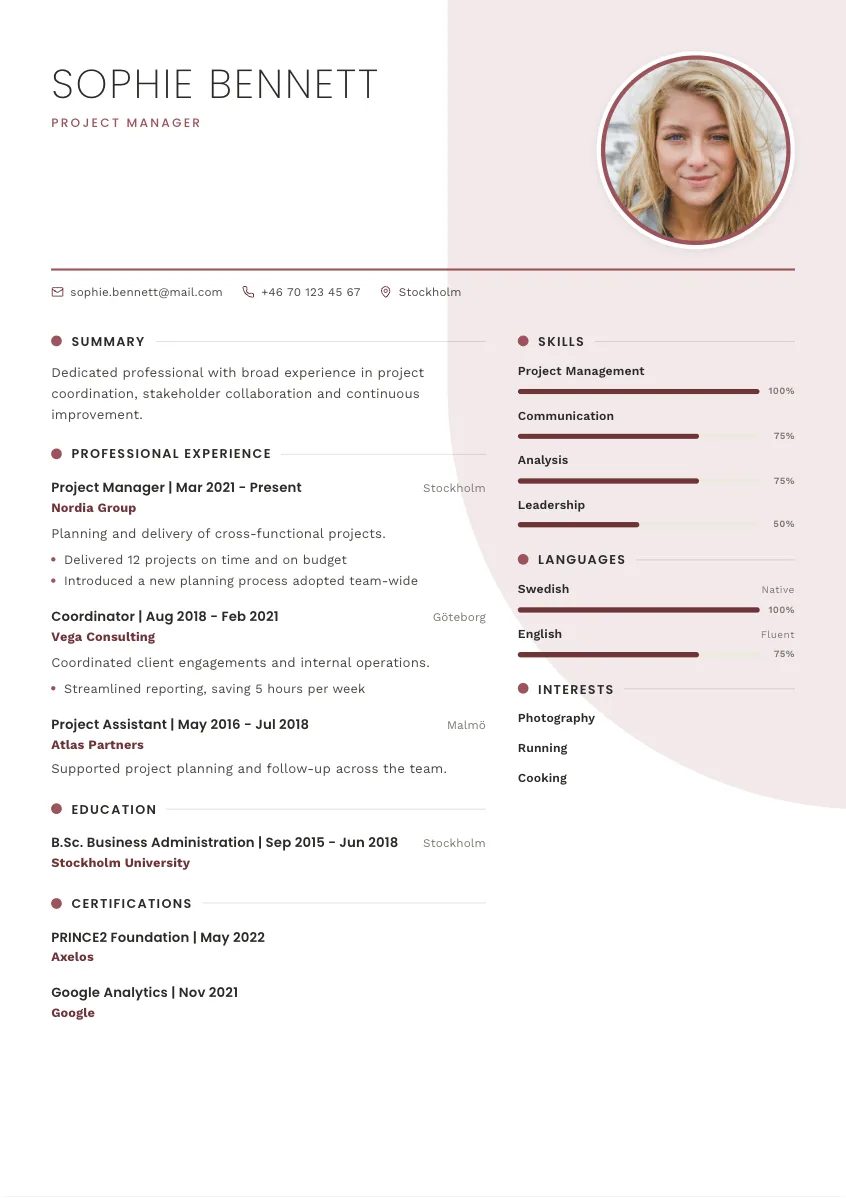
Torsten
Use this template →
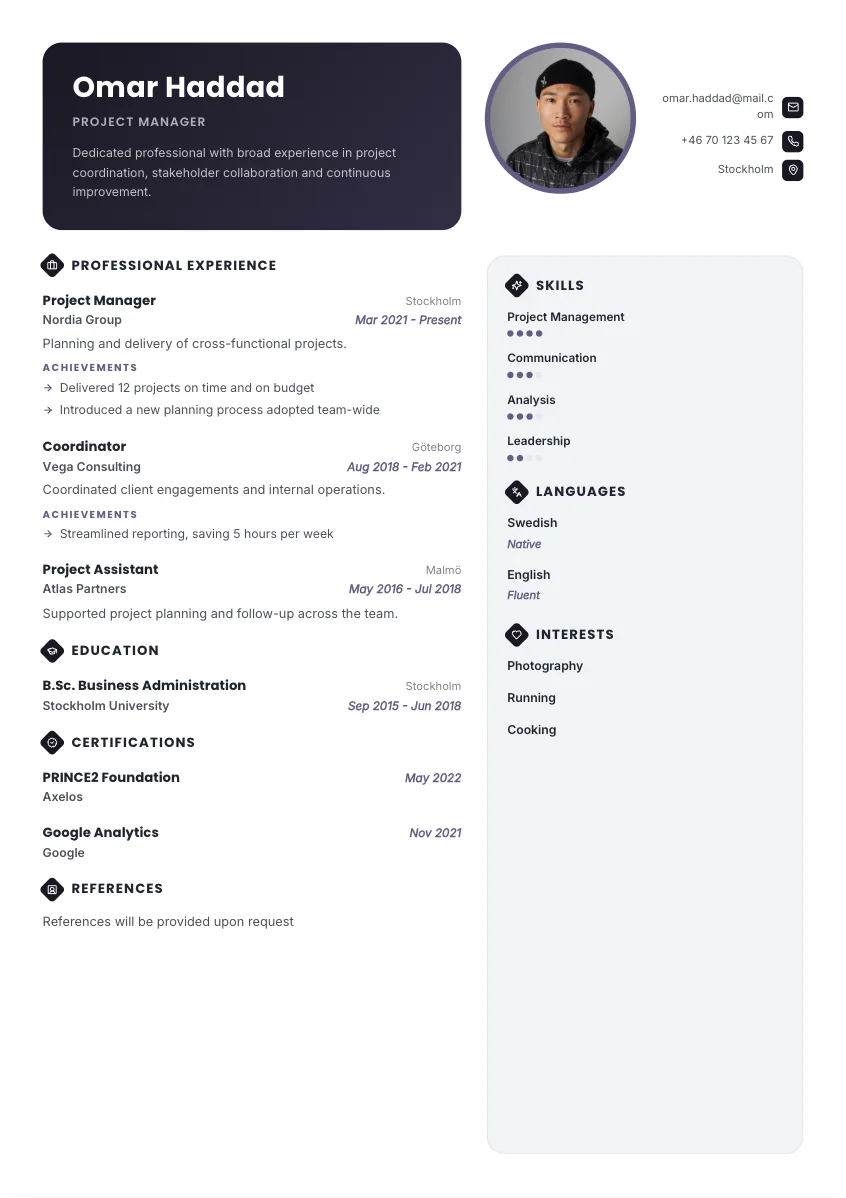
Britta
Use this template →
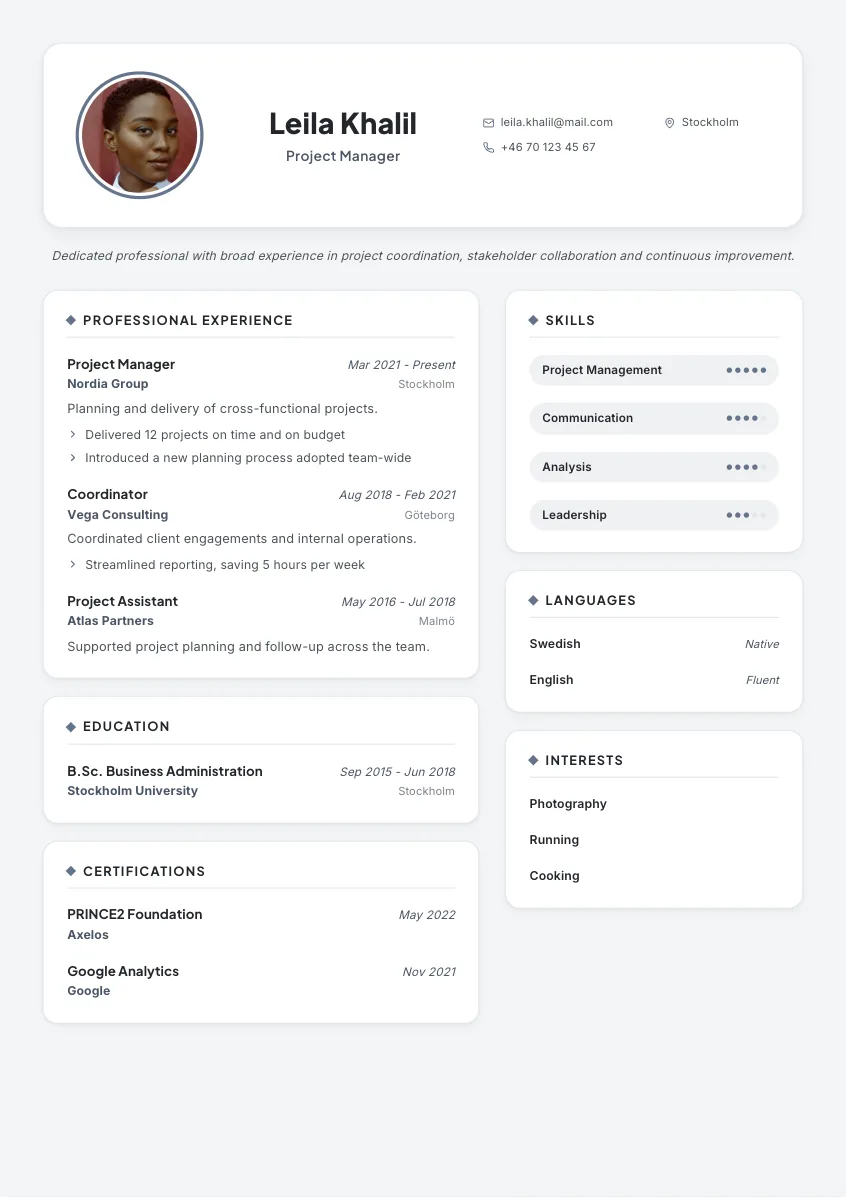
Helge
Use this template →
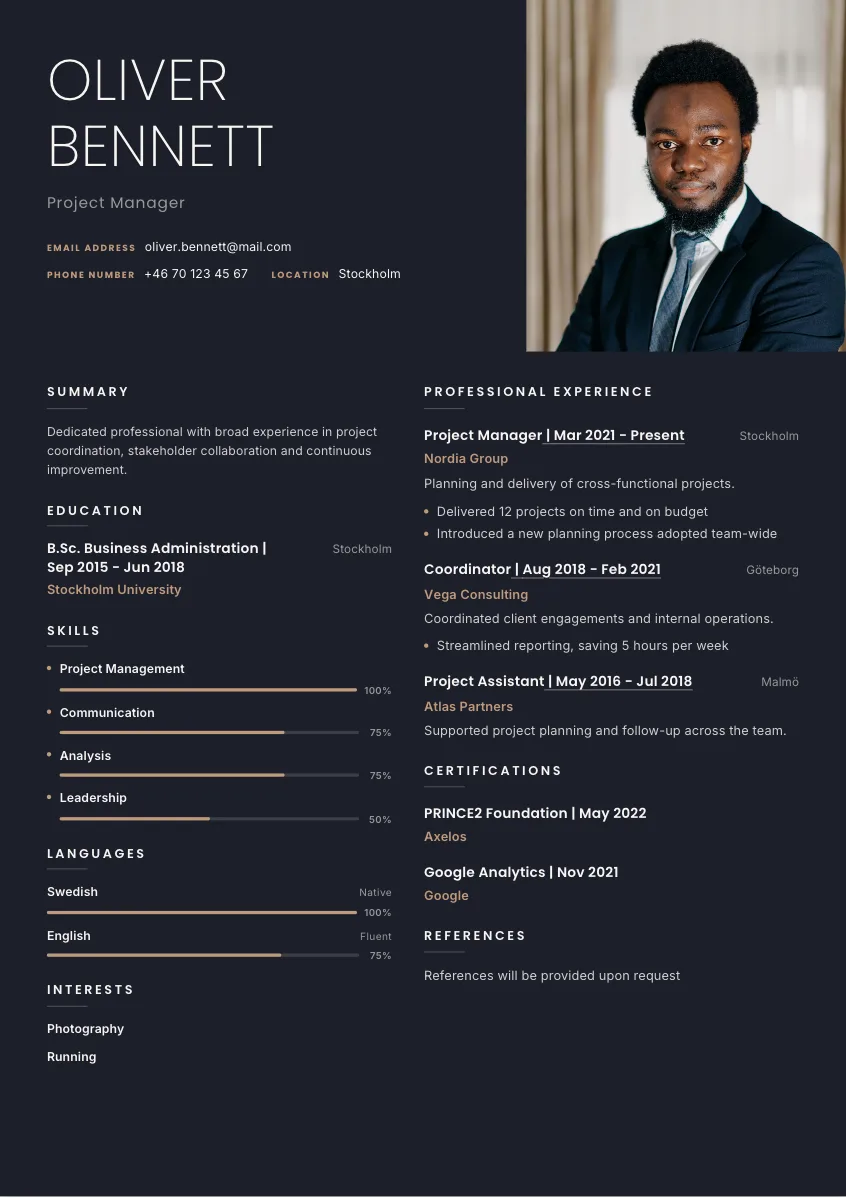
Agnes
Use this template →
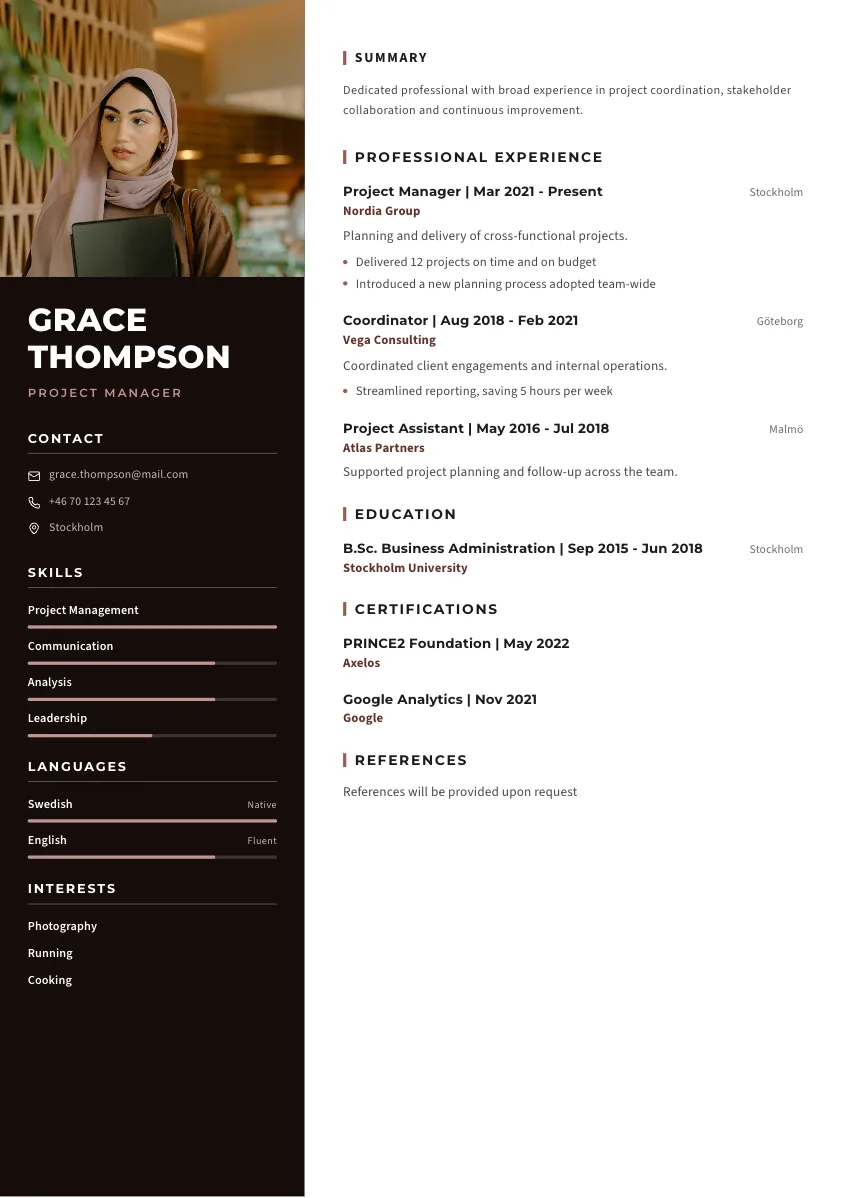
Valter
Use this template →
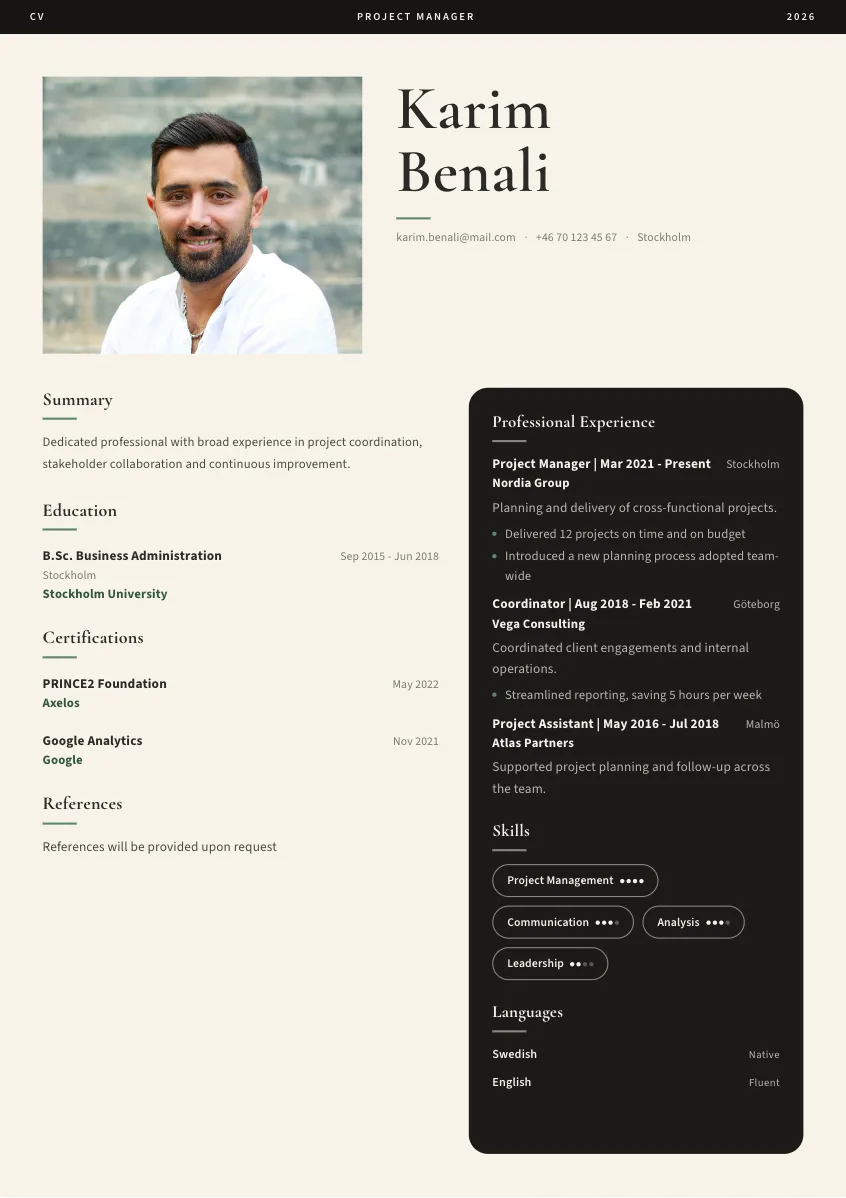
Lisbet
Use this template →
Before you start
Can I try the resume builder for free?
Yes. Create an account, build your resume and preview the result for free. No credit card is required to start. PDF downloads are paid; you can see the options on our pricing page.
Can I use a resume I already have?
Yes. You can upload your existing resume as a starting point, or begin with guided questions. Review the imported information and make any changes you need.
Can I edit what the AI writes?
Yes. You can edit the text directly and ask Cowrite to rewrite sections. Check every detail and make sure the finished resume accurately reflects your experience.
Can I change my resume template?
Yes. Choose from 51 resume templates and switch designs as you work. Your content stays with your resume, so you can compare layouts without starting over.
See what your
resume could be.
Start with your experience. Review your draft for free.
Create my resume →No credit card required. Pay when you download a PDF.